
Lock your hybrid term by pulling your degree audit, your candidate course list, and every synchronous meeting time before you finalize registration. Synchronous requirements often hide inside syllabi rather than the registrar schedule, so check both before add/drop closes. A tool like Univyze can help you visualize how each course choice affects your graduation timeline once you have the raw details collected.
TL;DR:
- Start with your degree audit and catalog year, prioritize prerequisites, and test major changes early because one shifted requirement can delay later courses.
- Compare registrar schedules with syllabi for fixed sessions, exams, presentations, and time zones; hidden requirements can create conflicts after registration.
- Budget 2 to 3 hours of weekly outside work per credit hour for standard courses, and 3 to 4 hours for heavily asynchronous courses.
- Before registration closes, verify electives count toward your degree, secure required department permission, and consider a waitlist or another section if conflicts persist.
- Use planning tools to compare term by term options, but confirm substitutions with your advisor because dashboards do not replace official degree audits.
Table of Contents
- Five-step quick planning checklist you can use right now
- How to map degree requirements to real course offerings term by term
- Decode hybrid modality labels and what to check in the syllabus
- Build your weekly term schedule: calendar blocks, study time, and tools
- Detect and resolve schedule conflicts before add/drop closes
- Budget study time with habits that keep hybrid semesters manageable
- Common student mistakes in hybrid planning, and how to fix them
- How Univyze helps with hybrid schedule planning
- FAQ
- Sources
Five-step quick planning checklist you can use right now
Before you use a registration portal, work through these five steps in order:
- Pull your degree audit and catalog requirements so you know exactly which course categories you still need.
- List every candidate course and note its modality label and any posted meeting time.
- Place all fixed synchronous sessions, in-person or Zoom, directly into your weekly calendar.
- Estimate weekly study hours per course and block matching study slots around your classes.
- Confirm each course still counts toward your degree with your advisor or your school’s degree-audit system.
This sequence catches the two things that derail hybrid semesters most often: a synchronous conflict you didn’t see coming, and a course that looked good but doesn’t actually apply to your major.
How to map degree requirements to real course offerings term by term
Your degree audit is the only reliable source for what still needs to be completed, so start there rather than with a course catalog you like the look of. Cross-reference it against your official catalog and any department checklist, since requirements occasionally shift between catalog years.
- Pull exact requirement language from your degree audit, not a general catalog page, since electives and core categories often look similar but aren’t interchangeable.
- Prioritize prerequisite chains first: a single missed prerequisite can push a required course to a later term and delay everything behind it.
- Reserve sequencing slots for high-demand courses early, and treat summer sessions as a tool for catching up rather than a last resort.
- Run a what-if scenario before committing to a major change or a second major, since one shifted requirement can cascade through several future terms.
A dynamic dashboard that links your requirements to live course offerings, the kind our visual degree mapping tool provides, makes it easier to see how a substitution in one term ripples into the next. Our platform is a planning aid, not an official degree audit, so verify every substitution with your advisor before you register. For a fuller walkthrough of connecting coursework to requirements, see our guide on how to plan college classes so they actually count toward graduation.
Pro Tip: Run your what-if scenario before, not after, you talk to your advisor. You’ll walk into that meeting with specific questions instead of a vague “what should I do.”
Decode hybrid modality labels and what to check in the syllabus
Hybrid sections get labeled in different ways depending on the school, and the label alone rarely tells you the full story. Common categories include In-Person/Synchronous Hybrid, In-Person/Asynchronous Hybrid, Online Synchronous, and Online Asynchronous, and registrar modality guidance spells out what each one is supposed to mean at the institution level. The registrar schedule usually tells you the official meeting pattern; the syllabus tells you what actually happens week to week, and the two don’t always match.
Before you register, check the syllabus or request it directly for these hidden obligations:
- Mandatory Zoom sessions that aren’t listed on the official class schedule.
- Required guest panels, group presentations, or review sessions with a fixed date.
- In-person exams or proctored assessments for an otherwise online course.
- Time zone assumptions, since a synchronous meeting at 9 a.m. local time means something different if you’re taking the course remotely.
Document any exception you find in writing, and keep it alongside your schedule notes in case a conflict comes up later. Our breakdown of how to choose between online, hybrid, and in-person classes walks through the tradeoffs of each format in more depth.
Build your weekly term schedule: calendar blocks, study time, and tools
Once your course list is confirmed, converting it into a working week is mostly mechanical.
- Place every fixed synchronous meeting on your calendar first, in-person and Zoom alike, and add travel time between any back-to-back in-person classes.
- Estimate outside-class work using a baseline of 2 to 3 hours per credit hour for standard courses, rising to 3 to 4 hours per credit for fully asynchronous ones, then block matching study sessions.
- Spread synchronous-heavy courses across different days instead of stacking them, and stagger major deadlines so two papers don’t land the same week.
- Add buffer blocks around exam weeks and group project milestones, since hybrid courses often compress deadlines into fewer in-person touchpoints.
- Color-code each course in Google Calendar or your LMS calendar (Canvas and similar systems sync assignment due dates automatically), and set reminders a day ahead of synchronous sessions.
A simple weekly template helps: mornings for synchronous classes, early afternoons for asynchronous coursework, and evenings reserved for review rather than new material. If you’re taking a synchronous course while traveling or studying from a different region, confirm the listed meeting time against your own time zone before the term starts.
Pro Tip: Block study time the same way you’d block a class you can’t miss. A tentative “study sometime Tuesday” slot gets skipped; a 2 p.m. to 4 p.m. block with a course name on it usually doesn’t.

Detect and resolve schedule conflicts before add/drop closes
Run a conflict check on three fronts before you finalize anything: synchronous meeting overlaps, exam-date overlaps, and overlapping deadlines for major group deliverables. A course that looks clear on the registrar schedule can still collide with another once you add its syllabus-only synchronous sessions.
- Compare every synchronous time slot across all your courses, including ones listed only in the syllabus.
- Verify degree applicability directly with your advisor or through your degree-audit system, especially for electives or cross-listed courses.
- Get department permission where a course requires it before assuming a seat is guaranteed.
- Use a waitlist, swap to a different section, or consider a summer offering if a conflict can’t be resolved by add/drop.
When you bring a conflict to your advisor or the registrar, come with screenshots of the schedule, the relevant syllabus excerpt, and a written note of the dates involved. Our guide to types of college schedule conflicts covers resolution options in more detail.
Budget study time with habits that keep hybrid semesters manageable
Credit-hour guidance from institutions generally assumes a three-credit course carries about 37.5 hours of direct instruction and 75 hours of student work across a 15-week semester, a ratio schools extend to hybrid and remote formats as well. That’s the backbone for any weekly time budget you build.
- Apply 2 to 3 hours of outside work per credit hour for standard hybrid courses, and lean toward 3 to 4 hours for ones that are heavily asynchronous.
- Build a recurring study calendar with the same blocks each week, plus a short Sunday review to adjust for the week ahead.
- Protect study blocks by single-tasking: close out other tabs and treat the block as fixed, not flexible.
- Ask instructors directly about participation expectations or accommodation resources when a course’s online component is unclear; treating asynchronous work as scheduled class time rather than optional reading is one of the clearest predictors of staying on pace.
Common student mistakes in hybrid planning, and how to fix them
The biggest mistake I see is treating asynchronous coursework as optional because it has no fixed meeting time. It isn’t optional, it’s just unscheduled until you schedule it yourself. The second is missing a synchronous requirement buried in a syllabus rather than the official schedule, which turns into a conflict discovered too late to fix cleanly.
The fix for both is the same: request syllabi before the term starts, calendar-block asynchronous work like a real class, and run a what-if scenario before any major change rather than after. Planning tools make this easier, but they’re aids, not substitutes for your official degree audit and your advisor.
— Ryan
How Univyze helps with hybrid schedule planning
We built Univyze around the exact problem this guide walks through: turning a pile of degree requirements and course modalities into a clear, term-by-term plan without spreadsheets. Our dashboard links degree requirements directly to current course offerings, so a hybrid section’s modality and sequencing impact appear together for easier planning.
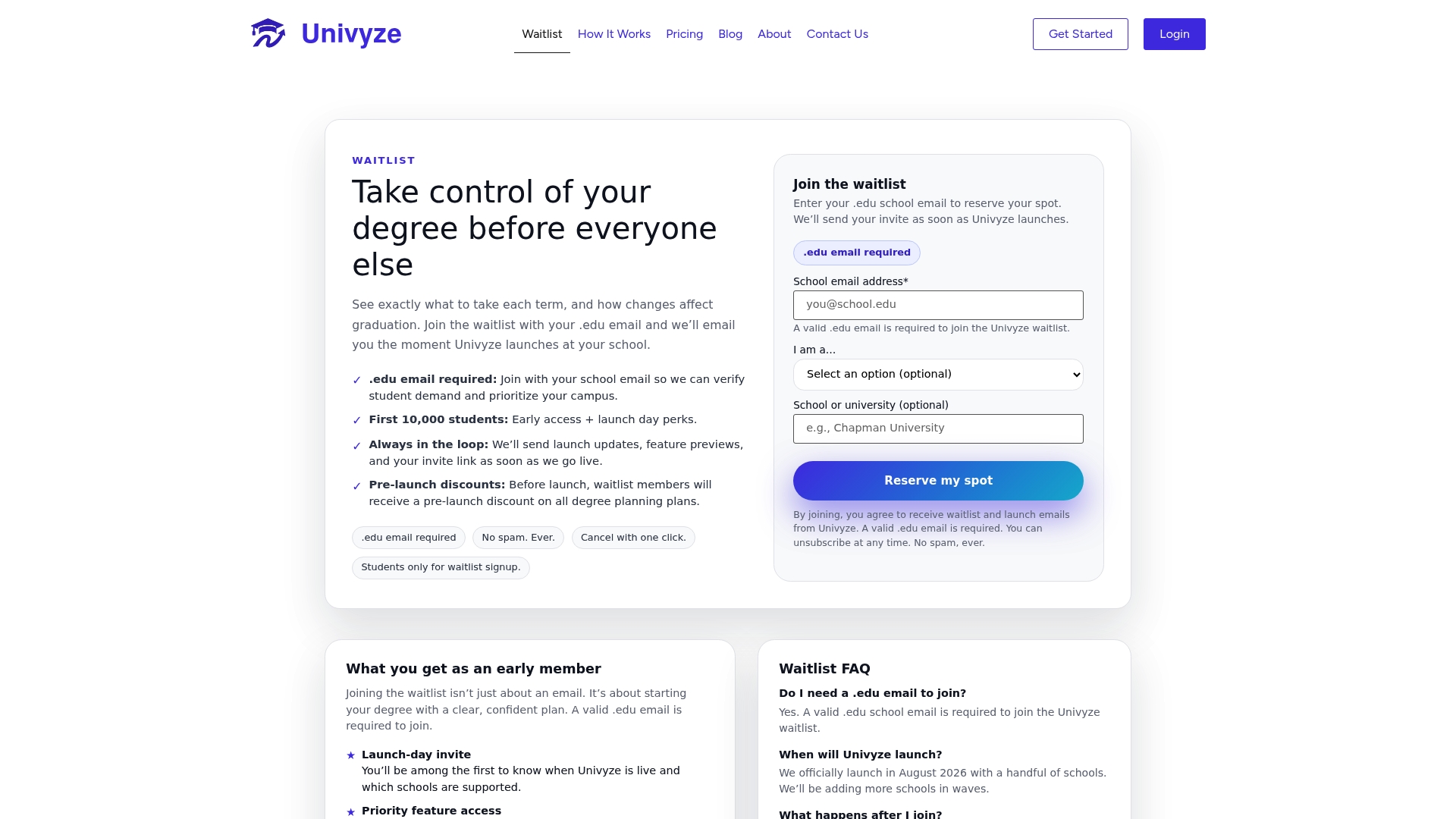
Here’s what that looks like in practice:
- Automatic term-by-term planning that updates dynamically as course choices change.
- What-if sequencing to explore major or degree path changes before finalizing them.
- Integration of various credit types and summer sessions into the same plan.
- Options for family members to view academic progress in a shared dashboard.
None of this replaces your official degree audit or your advisor, and we don’t guarantee graduation timelines, course availability, or transfer-credit acceptance. What we offer is a clearer picture of where you stand, built for the planning work this article covers. Plans start with a free Starter tier, and paid options unlock deeper planning features; see current pricing on our pricing page. If you’d rather see how the product works first, our how it works page walks through the dashboard. Ready to try it? Join the Univyze waitlist and get notified when your plan is ready to build.
FAQ
What is a hybrid college course, exactly?
A hybrid course blends in-person and online instruction, with the mix of synchronous and asynchronous time varying by institution and even by section. Always check both the registrar schedule and the syllabus, since hidden synchronous requirements sometimes appear only in the syllabus.
How many hours should I budget for a hybrid class each week?
A common baseline is 2 to 3 hours of outside work per credit hour for standard courses, rising to 3 to 4 hours per credit for heavily asynchronous ones. A three-credit hybrid course might land anywhere in that range depending on how much of it is self-paced.
How do I avoid a hybrid schedule conflict before add/drop closes?
Check every synchronous meeting time across your courses, including ones listed only in a syllabus, and confirm degree applicability with your advisor or degree-audit system. Our guide to schedule conflict types breaks down the most common patterns and fixes.
Can a planning tool like Univyze replace my academic advisor?
No. Our platform helps you visualize degree progress and term-by-term options, but your advisor and official degree audit remain the final word on requirements and eligibility.
What should I do if a hybrid course shifts fully online mid-semester?
Check your syllabus and any instructor announcements for updated meeting expectations, since attendance measures sometimes shift to LMS activity or discussion participation instead of physical presence. Confirm with your instructor or registrar how the change affects grading and participation requirements before assuming your routine stays the same.
Sources
Before finalizing any hybrid schedule, check your own institution’s registrar modality guidance for how courses are labeled, along with time-on-task guidance for credit-hour expectations. University policies on hybrid course design, like the UW College of Engineering’s hybrid designation policy, also show what syllabi are required to disclose about synchronous and asynchronous patterns. Student time-management resources, including University of Cincinnati’s online learning guidance, round out the practical side of weekly planning.
- Time on Task for Remote Courses: A Guide for Planning & Teaching Your Remote Course
- Virtual Instruction Guidelines – Office of the Registrar – Cal Poly
- Normandale time management calculator
- Time management strategies for online students