
What are the main types of college schedule conflicts?
College schedule conflicts fall into three broad categories: time conflicts (two classes overlap on the calendar), course sequencing conflicts (prerequisites, co-requisites, or gen ed requirements clash), and credit or unit errors (your total credits fall outside the allowed range). Any one of these can block your registration or quietly derail your degree progress.
Here is a quick breakdown of what students run into most often:
- Time conflicts: Two classes share the same meeting time, even partially
- Co-requisite and prerequisite conflicts: You are missing a required prior course, or two courses that must be taken together cannot fit in the same term
- Gen ed vs. major clashes: Required general education courses compete for the same time slots as core major courses
- Credit overload or underload errors: Your total enrolled units exceed the maximum or fall below the minimum needed for financial aid
- Final exam overlaps: Two finals are scheduled at the same time during exam week
- Instructor availability conflicts: A professor’s schedule changes, forcing a course to move to a slot you already filled
- Registration system errors: The student information system flags a false conflict or blocks enrollment incorrectly
Understanding which type you are dealing with is the first step toward fixing it before the add/drop deadline closes.
How time conflicts and class overlaps work

A time conflict happens the moment two enrolled classes share even a single overlapping minute. Universities like UC Berkeley and the University of Michigan block overlapping enrollments automatically through their student information systems (SIS), and students must submit a manual petition to override the block.

Overlaps come in two forms. A full conflict means both classes meet at the exact same time. A partial conflict means one class ends at, say, 10:50 AM while the next starts at 10:45 AM, leaving a five-minute gap that the system still flags.
Common scenarios that trigger time conflicts include:
- Labs and studios: These often run in long blocks and can bleed into adjacent class periods
- Hedging: A student enrolls in a backup class while waitlisted for a preferred one at the same time, then plans to swap once a seat opens
- Webcast or recorded classes: Students sometimes register for a live section they plan to watch asynchronously, which the system still treats as a real-time commitment
- Small-major course scarcity: Niche programs may offer a required course only once per year, and it lands squarely on top of another requirement
At the University of Pennsylvania, overrides require written permission from both instructors and must be submitted at least two business days before the end of the course selection period. Instructors are not required to approve, and students remain responsible for all missed content regardless.
Course sequencing conflicts: co-requisites, prerequisites, and gen ed clashes
Sequencing conflicts are less visible than time conflicts but just as disruptive. A prerequisite conflict means you are trying to enroll in a course before completing the one that unlocks it. A co-requisite conflict means two courses that must be taken simultaneously cannot fit into the same semester without creating a time overlap or credit overload.
Gen ed clashes add another layer. Many universities require students to complete writing, quantitative reasoning, or diversity requirements by a certain year. When those courses are only offered at peak hours, like Tuesday/Thursday mornings, they compete directly with gateway major courses scheduled in the same window.
Watch for these specific sequencing traps:
- Registering for Calculus II before the system confirms your Calculus I grade has posted
- Enrolling in a lab science without its required lecture co-requisite in the same term
- Attempting a 300-level major course while still completing a 200-level prerequisite that meets at the same time
- Stacking two writing-intensive gen ed courses in one semester when your major already requires a writing course that term
Good course sequencing from the start prevents most of these from ever appearing on your registration screen.
How credit and unit errors block your progress and affect financial aid
Credit errors are registration conflicts that students often miss until it is too late. Most universities cap full-time enrollment at a certain maximum number of units per semester. Trying to exceed that cap triggers an automatic block, just like a time conflict. Going below 12 units, on the other hand, can jeopardize full-time financial aid status.
The problems that follow from credit errors include:
- Registration holds: Exceeding the unit cap prevents adding any new course until you drop one
- Financial aid disruption: Dropping below the minimum unit threshold mid-semester can trigger aid recalculation
- Degree audit mismatches: Taking the wrong number of units in a given term can push required courses into a later semester, extending your time to graduation
- Overload petition requirements: Adding a course beyond the standard cap usually requires a GPA minimum and advisor sign-off
Accurate credit tracking every single semester is one of the most common mistakes students overlook when planning their schedules.
What actually causes schedule conflicts at most colleges
The root causes of scheduling conflicts are largely institutional, not personal. Decentralized scheduling means each department builds its own timetable independently, with no cross-departmental visibility. The result: two departments can assign the same professor to different rooms at the same time, or schedule two required courses for the same student cohort in the same slot.
Lack of standardized time bands makes things worse. When studios, clinics, and graduate seminars use flexible start times, they create gaps and overlaps that ripple through undergraduate schedules. Add the fact that scheduling is partly political, with senior faculty claiming preferred 10 AM to 2 PM windows and departments competing over prime classroom hours, and students end up absorbing the fallout.
Key systemic causes include:
- Departments scheduling without checking faculty availability across units
- Institutional rules limiting consecutive class hours, which compress available slots
- Shortage of general-purpose classrooms and science labs forcing courses into awkward times
- High-demand courses offered in only one or two sections, creating bottlenecks
Pro Tip: Check your university’s master schedule as early as possible, ideally before your registration window opens; following a clear college admissions timeline helps avoid scheduling conflicts and plan effectively. Identifying potential conflicts weeks in advance gives you time to contact advisors and request alternatives before sections fill up.
How to manage and resolve schedule conflicts before they cost you
Your first move when you spot a conflict is to look for an alternative section of one of the courses. Different time slots, different professors, evening sections, and online or hybrid options all count. Seats open constantly during registration and add/drop periods as students drop classes, switch sections, or miss payment deadlines.
If no open section exists, here is the order of operations that actually works:
- Use the waitlist: Most SIS platforms let you waitlist and swap simultaneously, so you are automatically enrolled if a seat opens
- Contact the professor directly: Explain that both courses are required and ask whether recordings, attendance flexibility, or a different section is possible
- Request a formal override: Override approvals require written permission from both instructors; instructors are generally hesitant because students bear full responsibility for missed content
- Talk to your academic advisor: Advisors can suggest alternative course sequences, recommend substitutions, or shift one course to a later term without derailing your degree plan
- Explore asynchronous options: Some courses offer fully online or recorded sections that carry no real-time meeting requirement
Pro Tip: When building your schedule, always identify a backup section for every required course before your registration window opens. Knowing your fallback in advance cuts the panic out of conflict resolution.
When extracurricular activities and part-time jobs create attendance conflicts
Work and campus involvement are real scheduling forces, not optional considerations. A student working 20 hours a week at a fixed-shift job has hard blocks in their weekly calendar that function exactly like a class conflict. Registering for a Tuesday/Thursday 2 PM lecture when you work Tuesday and Thursday afternoons is a conflict, even if the SIS does not flag it.
Extracurricular commitments, including athletics, student government, and performing arts rehearsals, often follow semester-long schedules published before course registration opens. Checking those calendars first, then building your class schedule around them, prevents attendance conflicts that no override can fix. Balancing your full weekly load before you register is far easier than trying to renegotiate attendance policies mid-semester.
How instructor availability conflicts cause course rescheduling
Professors get sick, go on sabbatical, or take on unexpected research commitments. When a department cannot find a replacement who teaches at the original time, the course moves. If you built your schedule around that course’s original slot, the reschedule creates a new conflict with something you are already enrolled in.
This type of conflict is largely outside your control, but you can reduce its impact. Avoid scheduling courses back-to-back with no buffer, and check your university’s course change notification system regularly in the weeks before the semester starts. Some registrar offices send email alerts when a course time changes; make sure those notifications are turned on in your student portal.
Final exam schedule overlaps and how they differ from class conflicts
Final exam conflicts are a separate category from regular class conflicts, and they require a different resolution process. Most universities publish the final exam schedule weeks before the end of the semester. Two finals landing in the same time block is a genuine conflict that the registrar’s office, not the individual professor, typically resolves.
The formal definition from timetabling research is straightforward: no student should sit for two exams simultaneously. When it happens anyway, students usually petition the registrar for a rescheduled exam, and most schools have a written policy for this. Check that policy before the semester starts, not the week of finals.
When registration system errors create false conflicts
Student information systems are not perfect. A common error occurs when a course’s meeting pattern is entered incorrectly in the system, making it appear to overlap with another class when it does not. Another frequent issue: a prerequisite that you completed at a transfer institution has not yet been posted to your record, so the system blocks enrollment as if you never took it.
If a conflict looks wrong, do not assume the system is right. Contact the registrar’s office directly, bring your transcript or grade report, and ask for a manual review. Override procedures at most universities exist precisely for cases where the system’s automated block does not reflect the actual situation. A quick email with documentation often resolves a false conflict faster than waiting for the system to update on its own.
Plan smarter with Univyze
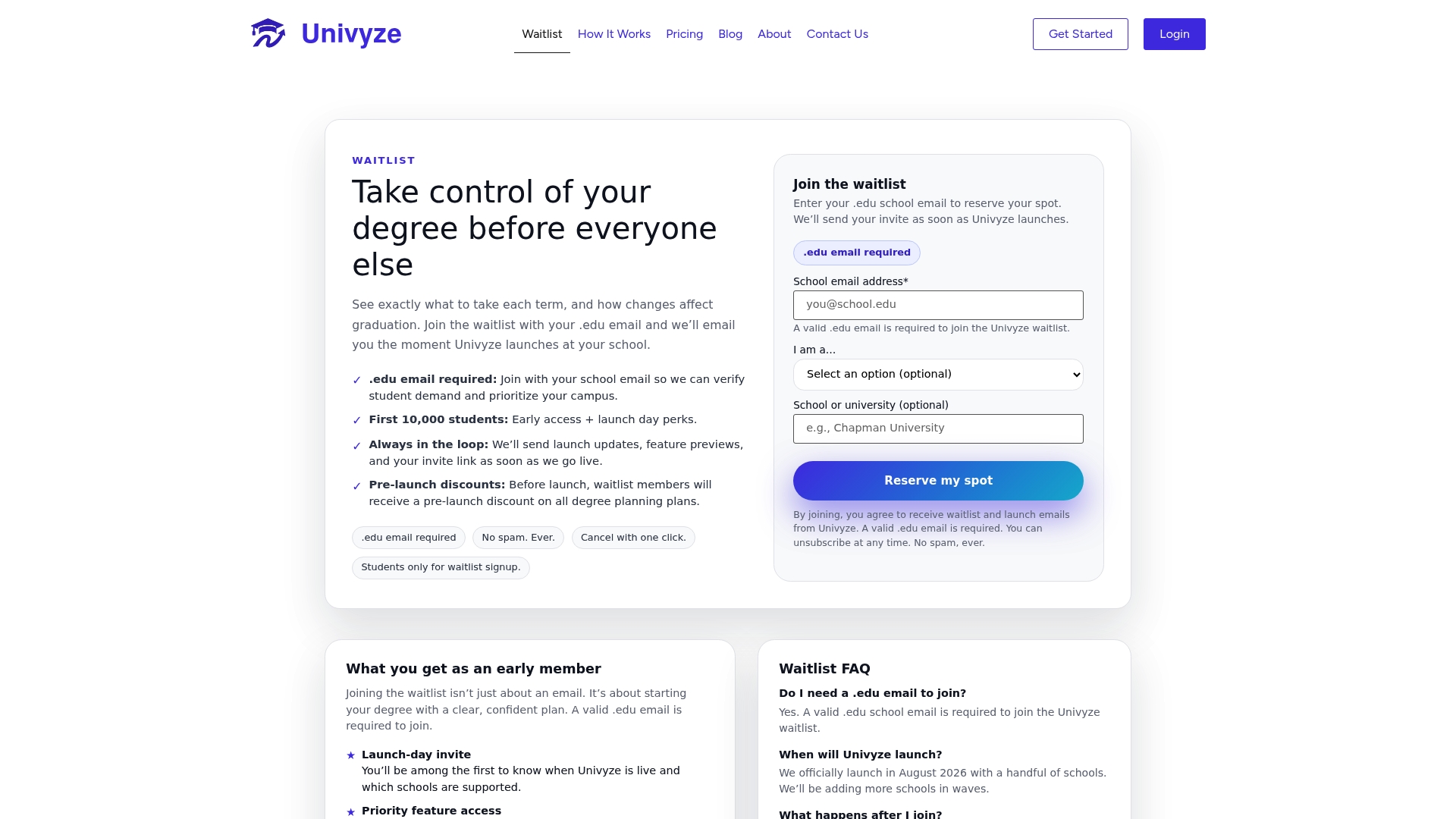
Schedule conflicts are easier to prevent than to fix. Univyze gives you a dynamic, term-by-term degree plan that maps your actual course requirements against real course offerings, so you can spot potential conflicts before registration opens. Whether you are tracking AP credits, transfer units, or summer sessions, Univyze keeps your full academic picture in one place.
Start building your degree plan and see which courses fit your schedule before the add/drop deadline forces your hand. Join the Univyze waitlist today.
Key Takeaways
Most college schedule conflicts are preventable when you understand their root causes and check your options before registration closes.
| Point | Details |
|---|---|
| Time conflicts are auto-blocked | University SIS platforms block overlapping enrollments; overrides require written instructor approval. |
| Sequencing errors compound quickly | Missing a prerequisite or co-requisite can push required courses an entire semester later. |
| Credit errors affect financial aid | Dropping below the minimum unit threshold mid-semester can trigger aid recalculation. |
| Systemic causes are institutional | Decentralized scheduling and lack of fixed time bands create most conflicts before students ever register. |
| Early planning is your best defense | Checking the master schedule before your registration window opens gives you time to find alternatives. |
FAQ
What is a time conflict in college registration?
A time conflict occurs when two classes you want to enroll in share overlapping meeting times, even by a few minutes. Most university registration systems block enrollment automatically and require a manual override petition with instructor approval.
What are common examples of schedule conflicts in college?
Common examples include a lab that runs into the start of a lecture, a required gen ed course offered only at the same time as a core major course, and a waitlisted student enrolled in a backup class at the same time as their preferred course.
What causes schedule conflicts at most universities?
The main causes are decentralized departmental scheduling, lack of standardized time bands, limited classroom availability, and high demand for required courses offered in only one or two sections per semester.
What is a 4-1-4 college schedule?
A 4-1-4 schedule divides the academic year into two main semesters with a short January term in between. The January term is often used for intensive single-course study or travel programs, which can create its own scheduling conflicts if prerequisites for spring courses are not completed in time.
How do you resolve a schedule conflict in college?
Start by looking for an alternative section of one of the conflicting courses. If none is available, contact both professors, use the waitlist-and-swap function in your SIS, and speak with your academic advisor about shifting one course to a later term.