
A multi-year degree plan is a semester-by-semester course map that takes you from your first class to graduation day. Building a multi-year degree plan is the single most effective way students can graduate on time and avoid paying for extra semesters they never budgeted for. Tools like Edvise Student Planning, Pegasus Path, and Blueprint have made this process faster and more accurate than ever. Students who use interactive planning tools can reduce time-to-degree by 1.5 semesters on average. That is not a minor efficiency gain. It is the difference between finishing in four years and paying for a fifth.
What prerequisites and requirements must you know before building your plan?
Every solid long-term degree strategy starts with a complete picture of what your university actually requires. Most students make the mistake of pulling requirements from a general course catalog. That is the wrong source. Official enrollment worksheets and degree audits issued by your university reflect current degree rules and milestones far more accurately than any printed catalog.
Before you map a single semester, gather these documents:
- Degree audit: A real-time snapshot of completed, in-progress, and remaining requirements
- Enrollment worksheets: University-issued forms that list required courses by category and sequence
- Official course catalog: Useful for descriptions, but always verify requirements against your audit
- Major-specific advising guides: Published by your department, these often list prerequisite chains not visible elsewhere
- Transfer credit evaluations: If you transferred, confirm which credits apply and which do not
Understanding how requirements break down matters just as much as knowing what they are. Most four-year degrees separate requirements into core or general education courses, major-specific courses, elective credits, and distribution requirements. Each category has its own credit minimum. Missing even one category can hold up your graduation clearance.
| Requirement Type | What It Covers | Where to Find It |
|---|---|---|
| Core/General Education | Writing, math, science, humanities | University catalog and degree audit |
| Major Requirements | Courses specific to your field | Department advising guide |
| Electives | Open credits to reach total minimum | Advisor or enrollment worksheet |
| Distribution Requirements | Breadth across disciplines | University catalog |
| Prerequisite Chains | Courses that unlock upper-division classes | Course descriptions and advisor |
Pro Tip: Request a degree audit from your registrar’s office at the start of every academic year. It updates in real time and catches requirement changes before they catch you.
Prerequisite chains deserve special attention. Some courses only run once a year. If you miss the fall offering of a required prerequisite, you may wait a full year before the next one. Map these chains before you schedule anything else.
How do interactive degree planning tools help you build a student degree roadmap?
Interactive planning tools turn a complicated spreadsheet problem into a visual, manageable roadmap. Platforms like Edvise Student Planning, Pegasus Path at the University of Central Florida, and Blueprint at UCLA each offer features that go well beyond a simple course list. Interactive planner tools include drag-and-drop scheduling, visual timelines, “What-If” analysis, and conflict detection. These features let you test different course sequences without committing to them.

The “What-If” scenario report is one of the most underused features in academic planning. It shows you exactly how many additional courses you would need if you switched your major or added a minor. What-If reports reveal the full impact of a major change before you make it official. That prevents you from discovering mid-junior year that you are suddenly 20 credits short.
Self-service tools also reduce the time you spend in your advisor’s office. Automated degree audits cut routine advisor meetings by roughly 40%. That means your advisor conversations can focus on strategy and exceptions rather than basic requirement checks.
Key features to look for in any planning tool:
- Drag-and-drop scheduling: Move courses between semesters and see conflicts instantly
- Visual timelines: See your full four-year academic course sequence at a glance
- Conflict detection: Flags time overlaps and prerequisite violations automatically
- Milestone alerts: Notifies you when you are behind on a required course or credit threshold
- Tentative vs. confirmed course marking: Lets you plan ahead without locking in uncertain choices
Pro Tip: Use the tentative course feature for anything beyond your next two semesters. Life changes. Marking future courses as tentative keeps your plan honest without forcing premature commitments.
What step-by-step approach should you take to build your multi-year academic plan?
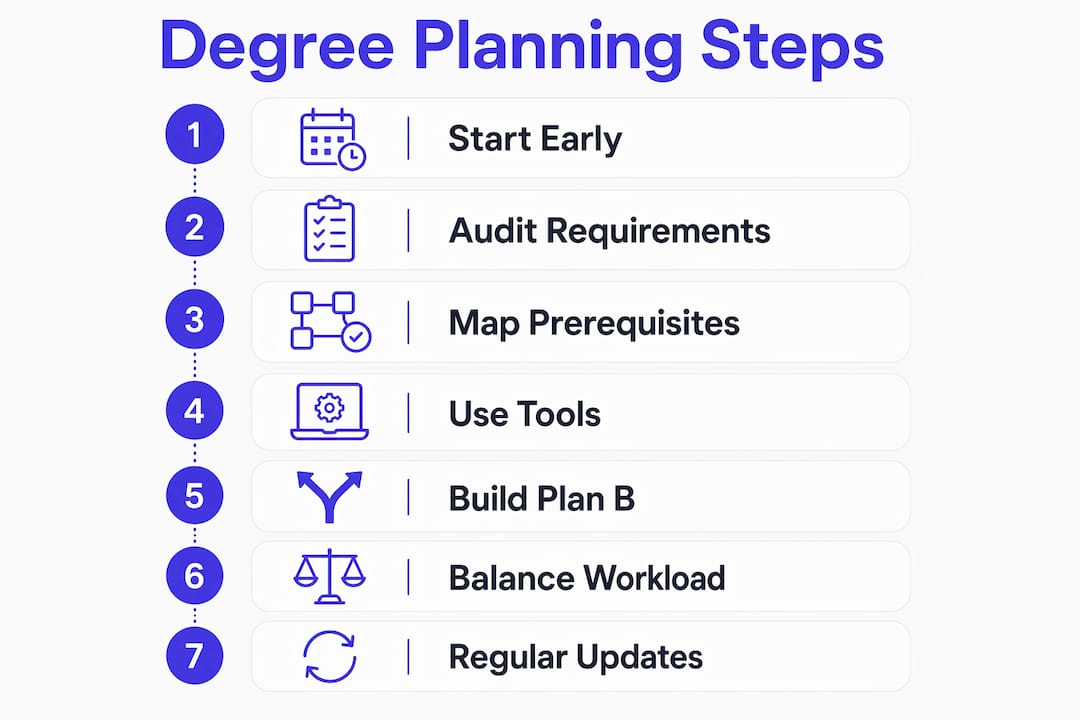
The most effective approach to building a multi-year academic plan is to map all four years during your first semester, then update that map every term. Universities recommend mapping your full degree early to meet credit minimums and track milestones before problems compound.
Follow this sequence:
- Pull your degree audit and enrollment worksheets. These are your foundation. Do not start without them.
- List every required course and sort by prerequisite dependency. Identify which courses unlock others and how long each chain takes.
- Identify bottleneck courses. These are high-demand, limited-seat classes offered only once a year. Place them first in your sequence.
- Slot in your first two semesters as confirmed. Everything beyond that can be tentative.
- Plan for external milestones. Study abroad programs, internships, and co-ops take up semester slots. Reserve them now.
- Build multiple plan versions. Create a Plan A and a Plan B. Plan B accounts for a failed prerequisite or a closed course section.
- Balance your credit load each semester. Aim for a mix of high-difficulty and lower-intensity courses every term.
- Update your plan at the end of every semester. Reflect completed courses, grade outcomes, and any new requirements.
The step most students skip is building Plan B. A single closed course section can cascade into a semester of wasted electives if you have no backup sequence ready.
Pro Tip: Cross-reference your planned course load with peer reviews on platforms like Rate My Professors before finalizing any semester. Knowing a course has a heavy exam schedule helps you avoid stacking it with two other demanding classes.
Balancing workload across semesters is not optional. Clustering high-difficulty courses in a single semester raises burnout risk and lowers GPA. Spread your hardest requirements across multiple terms whenever your prerequisite chain allows it.
What common pitfalls should students avoid in their degree plans?
The most costly mistake in degree planning for students is treating the plan as a one-time document. A degree plan that sits unchanged from freshman to senior year is not a plan. It is a wish list. Updating your plan every semester is the only way to catch new prerequisite requirements, course availability changes, and personal scheduling shifts before they derail your timeline.
Watch out for these specific traps:
- Ignoring prerequisite chains: Skipping a lower-division course can block your access to an entire upper-division sequence
- Stacking difficult courses: Taking three high-workload classes in one semester is a GPA and wellness risk
- Relying on generic catalogs: Catalog requirements can differ from your actual degree audit, especially if you entered under an older catalog year
- Not running What-If reports: Considering a double major or minor without checking the credit impact is a common source of graduation delays
- Overloading final semesters: Many students push electives to senior year and then discover required courses conflict with their schedule
- Skipping advisor check-ins: Even with self-service tools, an annual advisor meeting catches errors that software misses
“Degree plans are living documents. The students who graduate on time are the ones who treat their plan like a budget: reviewed regularly, adjusted when reality changes, and never ignored for more than a semester.”
The students most likely to need an extra semester are those who discover a missed requirement in their junior or senior year. By that point, the course may only run once more before graduation. Early detection is the only real fix.
How can you balance course workload and personal commitments in your plan?
A realistic multi semester course plan accounts for your life outside the classroom. Work schedules, family obligations, and extracurricular commitments all affect how many credits you can handle in a given term. Planning tools that show credit load per semester make this visible before you register.
Use these strategies to keep your workload sustainable:
- Rate courses by difficulty before scheduling: Use peer feedback and department advising notes to estimate actual time demands
- Set a personal credit ceiling: Most students perform best in the 15–17 credit range. Going above that without a strong track record is a risk
- Prioritize by offering frequency: Courses offered only once a year take scheduling priority over courses offered every semester
- Reserve buffer semesters: If your program allows it, plan one lighter semester per year for recovery and exploration
- Check for time conflicts early: Use your planning tool’s conflict detection before the registration window opens, not after
Pro Tip: Pair your degree plan with a course selection guide that factors in GPA impact and workload balance. Choosing the right section of a course matters as much as choosing the course itself.
Planning tools that customize to life commitments give you a more accurate picture than any static spreadsheet. The goal is a plan you can actually execute, not one that looks perfect on paper and collapses by week three of the semester.
Key Takeaways
A multi-year degree plan built early, updated every semester, and supported by interactive tools is the most reliable path to graduating on time without extra tuition costs.
| Point | Details |
|---|---|
| Start planning in year one | Map all four years early to catch prerequisite chains and bottleneck courses before they block you. |
| Use official university documents | Degree audits and enrollment worksheets are more accurate than general catalogs for requirement tracking. |
| Run What-If scenarios | Test major or minor changes in a planning tool before making them official to avoid surprise credit gaps. |
| Update your plan every semester | A plan that never changes cannot reflect new requirements, closed courses, or shifts in your schedule. |
| Balance workload deliberately | Spreading high-difficulty courses across semesters reduces burnout and protects your GPA. |
Why I think most students plan too late and too passively
Most students I have seen struggle with graduation timelines share one habit: they built their degree plan once and never touched it again. They treated it like a contract instead of a compass. The students who graduate on time, or even early, are the ones who open their plan at the start of every semester and ask whether it still reflects reality.
The technology available in 2026 makes this easier than it has ever been. Tools like Edvise Student Planning and Pegasus Path do the heavy lifting on requirement tracking and conflict detection. But no tool replaces the judgment call of a student who knows their own limits. A planner cannot tell you that you are going through a hard personal stretch and need a lighter semester. You have to make that call yourself.
The other thing I have noticed is that students underestimate how much a single bottleneck course can cost them. One required class offered only in the fall, missed because of a scheduling conflict, can push graduation back by a full year. That is not a planning failure. That is a visibility failure. You cannot avoid what you cannot see. Building your full four-year roadmap early makes those risks visible while you still have time to work around them.
The responsibility for your graduation timeline sits with you, not your advisor. Advisors are guides. The plan is yours.
— Ryan
How Univyze helps you graduate on time
Unclear degree plans cost students real money. An extra semester of tuition and living expenses adds up fast, and most of those delays are preventable with the right visibility into your academic path.
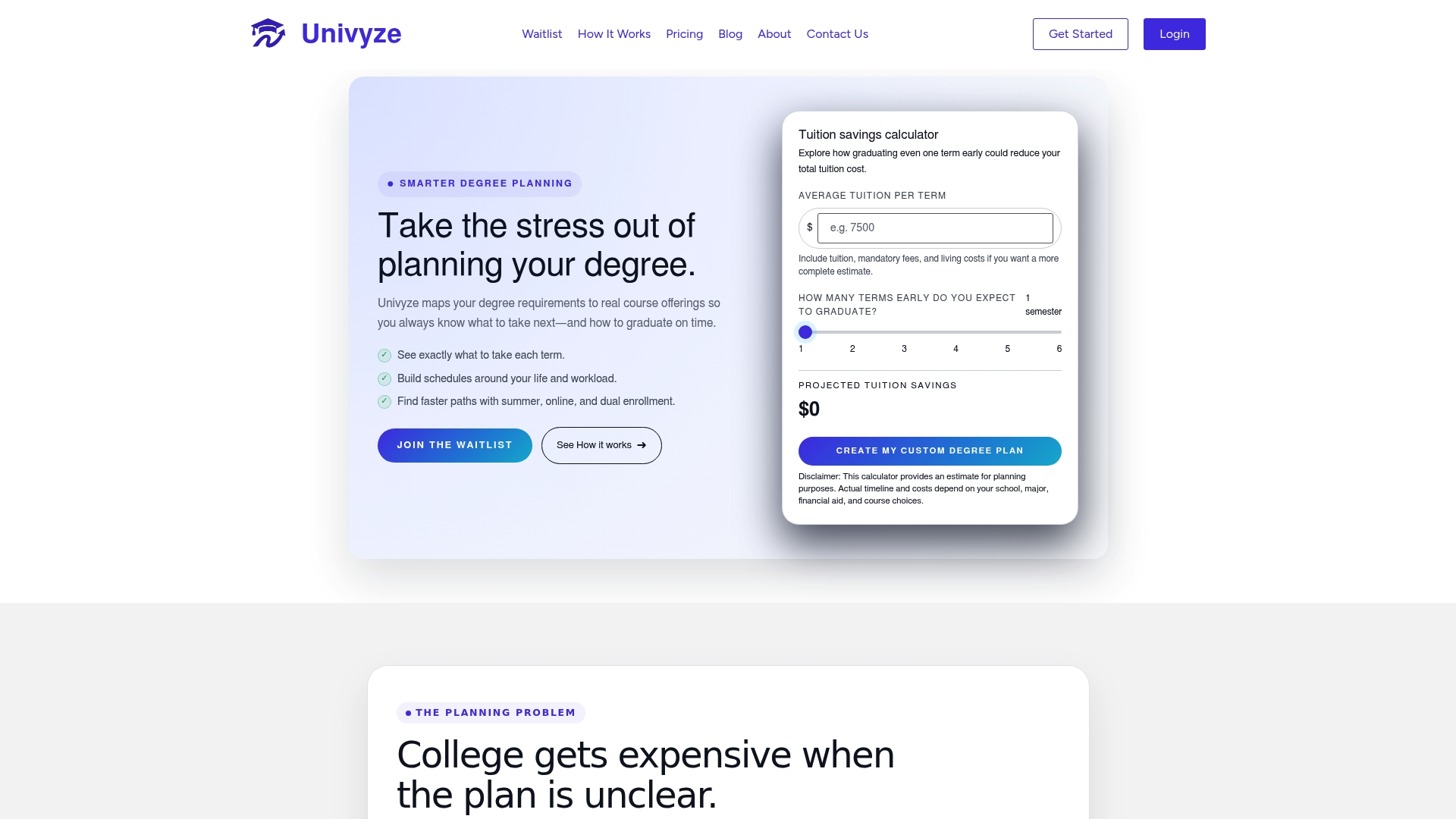
Univyze gives you a dynamic dashboard that connects your degree requirements directly to real course offerings at your university. You can see your full academic course sequence, spot prerequisite conflicts before they happen, and adjust your plan as your goals change. Parents can also track progress, which removes a lot of stressful guesswork from family conversations about college. Whether you are just starting out or already mid-degree, see how Univyze works and find out how students are using it to finish on time, or even ahead of schedule.
FAQ
What is a multi-year degree plan?
A multi-year degree plan is a semester-by-semester course map that outlines every class you need to take from enrollment to graduation. It accounts for prerequisites, credit requirements, and personal milestones like internships or study abroad.
When should students start building their degree plan?
Universities recommend mapping your full four-year plan during your first year of college. Starting early gives you time to identify bottleneck courses and build backup sequences before conflicts arise.
How often should you update your degree plan?
Update your plan at the end of every semester. Course availability, prerequisite requirements, and personal schedules all change, and a plan that does not reflect those changes will eventually produce surprises you cannot fix quickly.
What is a What-If scenario report in degree planning?
A What-If report shows how your graduation timeline and required courses change if you switch your major, add a minor, or transfer credits. What-If analysis prevents students from discovering mid-degree that a change added a year to their plan.
Which university resources are most accurate for degree planning?
Official degree audits and enrollment worksheets from your registrar’s office are the most accurate sources. University-issued worksheets reflect current rules and catalog year requirements, which generic course catalogs often do not.