
Effective degree planning means choosing every course with a clear purpose: fulfilling a specific graduation requirement. Students who learn how to plan college classes so they actually count toward graduation avoid the most common and costly mistake in higher education, which is paying for credits that do not move them forward. Academic advisors call this process degree mapping, and it combines your graduation requirements checklist, prior credits, and a term-by-term course sequence into one living plan. Done right, it saves you real money and real time.
How do you map your credits and degree requirements?
Your degree requirements document is the foundation of every planning decision you make. Pull it from your university’s official catalog before you register for a single class. That document tells you exactly how many credits you need, which categories they fall into (major, general education, electives), and which courses satisfy each category.
Before you build anything, count what you already have. AP exam scores, dual enrollment credits, and transfer credits can all reduce the total credits you need to earn. Credit-based planning can cut more than two years off your timeline compared to students who ignore prior credits and follow a generic four-year calendar. That is not a small difference. It is the difference between two extra semesters of tuition or none.

Organize your credits into three buckets: major requirements, general education requirements, and free electives. Then identify which courses can satisfy more than one requirement at once. These are called double-dip courses, and finding them is one of the highest-value moves in planning college courses effectively. A writing-intensive history course, for example, might satisfy both a general education writing requirement and a social science requirement simultaneously.
| Credit category | What it covers | Planning priority |
|---|---|---|
| Major requirements | Core and upper-division courses in your field | Highest: map these first |
| General education | Writing, math, science, humanities, social science | Medium: spread across all years |
| Electives | Free-choice credits to reach total unit count | Lowest: fill gaps last |
| Prior credits (AP, transfer) | Credits earned before enrollment | Immediate: verify acceptance first |
Pro Tip: Spend your tuition dollars on classes that move your degree forward. Every elective you take without checking whether it satisfies a requirement is a potential wasted credit.
What semester credit load actually works for most students?
The right credit load depends on where you are in your degree, not on what sounds ambitious. First-semester students perform better taking 12–14 credits rather than jumping straight to 15 or 18. That range gives you enough academic momentum without destroying your GPA before you find your footing.
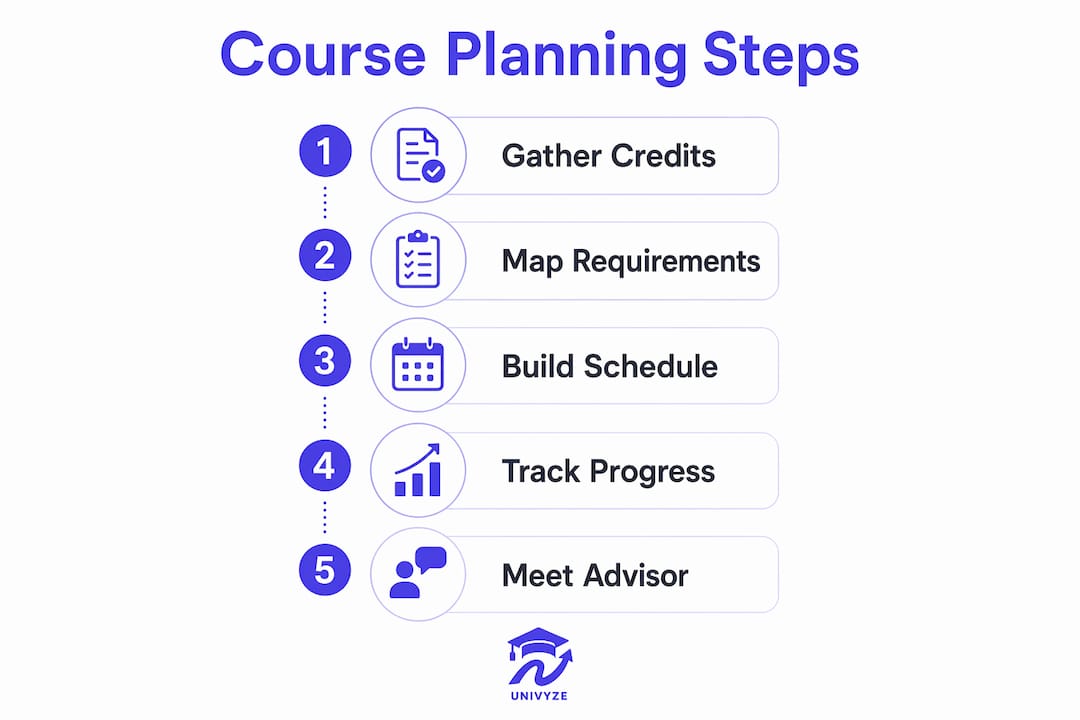
Taking exactly 15 credits per semester is the minimum needed to graduate in four years, but it leaves zero margin for a dropped course, a failed class, or a major change. One bad semester at 15 credits can push your graduation back by a full term. Building in a small buffer early protects you later.
Course difficulty matters as much as credit count. Mixing challenging STEM courses with lighter electives in the same semester prevents burnout and keeps your GPA stable. Do not stack Organic Chemistry, Calculus II, and Physics in the same term unless you have no alternative. When you must take multiple hard courses together, reduce your total credit count and add one easier general education course to balance the load.
Spreading general education requirements across all four years, rather than front-loading them in your first two, gives you academic variety every semester and reduces burnout. A senior-year schedule that mixes upper-division major courses with one general education elective is far more sustainable than a sophomore year crammed with nothing but distribution requirements.
- Start freshman year at 12–14 credits to build good study habits before increasing load
- Mix one difficult major course with at least one lighter general education course each term
- Never take more than two high-difficulty courses in the same semester
- Use credit load planning to calculate how many credits you need per term to graduate on time
- Revisit your load every registration period as your workload and life circumstances change
Pro Tip: Morning classes yield better grades, often by half a letter grade compared to afternoon sections of the same course. When two sections of a required course are available, choose the earlier one.
How do you build a flexible schedule that handles waitlists and full courses?
Every registration period, some courses you need will be full. The students who stay on track are the ones who planned for that reality before it happened. Successful planners prepare 2–3 backup courses for each time slot so they are never scrambling the night before classes start.
Build three versions of your schedule: your ideal schedule, a realistic schedule with one or two substitutions, and a backup schedule that still moves your degree forward. The backup schedule is not a failure. It is proof that you planned well. Use your degree audit to confirm that every backup course satisfies at least one graduation requirement before you add it to your list.
Waitlists require active management, not passive waiting. Attending the first week of class when you are waitlisted significantly increases your chances of getting in. Professors often add students who show up and demonstrate genuine interest, especially after the first session when enrolled students sometimes drop. Sitting in the room is the single most effective waitlist strategy available to you.
Here is a step-by-step registration preparation process that keeps you covered:
- Pull your degree requirements checklist and identify every course you still need
- List your top three course choices for each requirement category
- Check prerequisites for every course on your list and confirm you have met them
- Build your ideal schedule, then build two backup versions
- Identify which backup courses double-dip across multiple requirement categories
- Add yourself to waitlists for full courses and attend the first session
- Verify every course on your final schedule against your degree audit before the add/drop deadline
Use your school’s schedule building checklist to make sure you have covered every step before the registration window opens.
What tools help you track graduation progress accurately?
Your university’s official degree audit system is the most reliable tool for tracking which requirements you have met and which remain open. Systems like Degree Works (used at many California State University campuses) and similar platforms at other universities show you a live view of your progress. Check your degree audit every semester, not just at registration time.
Academic advisors are your second most important resource. Meeting with your advisor at least once per semester, not just when something goes wrong, helps you catch sequencing problems before they cost you a term. Advisors can also flag course substitutions, petitions, and double-dip opportunities that do not show up automatically in the audit system.
| Tool | Primary use | Best for |
|---|---|---|
| Degree audit (e.g., Degree Works) | Track fulfilled and pending requirements | Verifying progress each semester |
| Academic advisor | Catch sequencing issues and substitutions | Semester-by-semester strategy |
| University course catalog | Confirm requirement rules and prerequisites | Initial degree mapping |
| Univyze | Term-by-term planning with credit integration | Visualizing your full academic path |
Univyze connects your degree requirements to real course offerings and shows you a term-by-term roadmap. It integrates AP credits, dual enrollment, and transfer credits so you can see exactly where you stand. Always verify your final plan with your official degree audit and advisor before registering.
What course planning mistakes delay graduation most often?
The most common reason students graduate late is not failing courses. It is poor planning that creates gaps in their sequence. Ignoring prerequisite chains is the single most frequent cause of a delayed timeline. Missing a prerequisite for a required upper-division course can push that course back by a full year if it is only offered once annually.
- Skipping the degree audit: Students who never check their audit often discover missing requirements in their final semester
- Overloading the first semester: Taking 18 credits as a freshman risks a GPA drop that affects financial aid eligibility
- Ignoring transfer credit verification: Credits that look transferable sometimes do not satisfy specific major requirements without a petition
- Having no backup courses: Showing up to registration without alternatives forces you into whatever is left open
- Avoiding your advisor: Advisors catch problems early; skipping meetings means catching them late
Pro Tip: Before you click “enroll,” open your degree audit and confirm that the course satisfies a specific requirement. If it shows as an elective when you expected it to fulfill a major requirement, contact your advisor before the add/drop deadline.
Key takeaways
Planning every course against your degree requirements checklist, not just filling a schedule, is the most reliable way to graduate on time and avoid unnecessary tuition costs.
| Point | Details |
|---|---|
| Map credits before registering | Count AP, dual enrollment, and transfer credits first to find your real starting point. |
| Start with 12–14 credits | First-semester students perform better at this load than at the traditional 15. |
| Build three schedule versions | Prepare an ideal, realistic, and backup schedule before every registration period. |
| Check your degree audit every term | Verify progress each semester, not just when something feels wrong. |
| Avoid prerequisite gaps | Missing one prerequisite can delay a required course by a full year. |
What I have learned about planning that most guides skip
Most course planning advice focuses on what to do. The harder lesson is learning to treat your academic plan as something that changes, not something you set once and follow forever. I have seen students hold rigidly to a four-year plan they built as freshmen, only to hit a major change or a failed course and feel like everything fell apart. The plan did not fail them. Their attachment to a fixed version of it did.
The students who graduate on time, or ahead of schedule, are the ones who update their plan every single semester. They check their degree audit after grades post. They meet with their advisor before registration opens. They know their backup courses before they need them. That level of preparation sounds like extra work, but it takes less time than an extra semester.
Technology helps here. Univyze was built specifically for this kind of ongoing, term-by-term planning. It connects your requirements to real course offerings and updates your roadmap as your situation changes. That visibility matters most when you are dealing with a waitlisted course, a potential major change, or a transfer credit that needs to be verified. The goal is not a perfect plan. The goal is a plan you can actually adjust.
— Ryan
Univyze makes it easier to see exactly where you stand
Unclear degree planning is one of the most expensive problems in college. Students who cannot see how their courses connect to graduation requirements often spend an extra semester, or two, paying tuition for credits that do not move them forward.
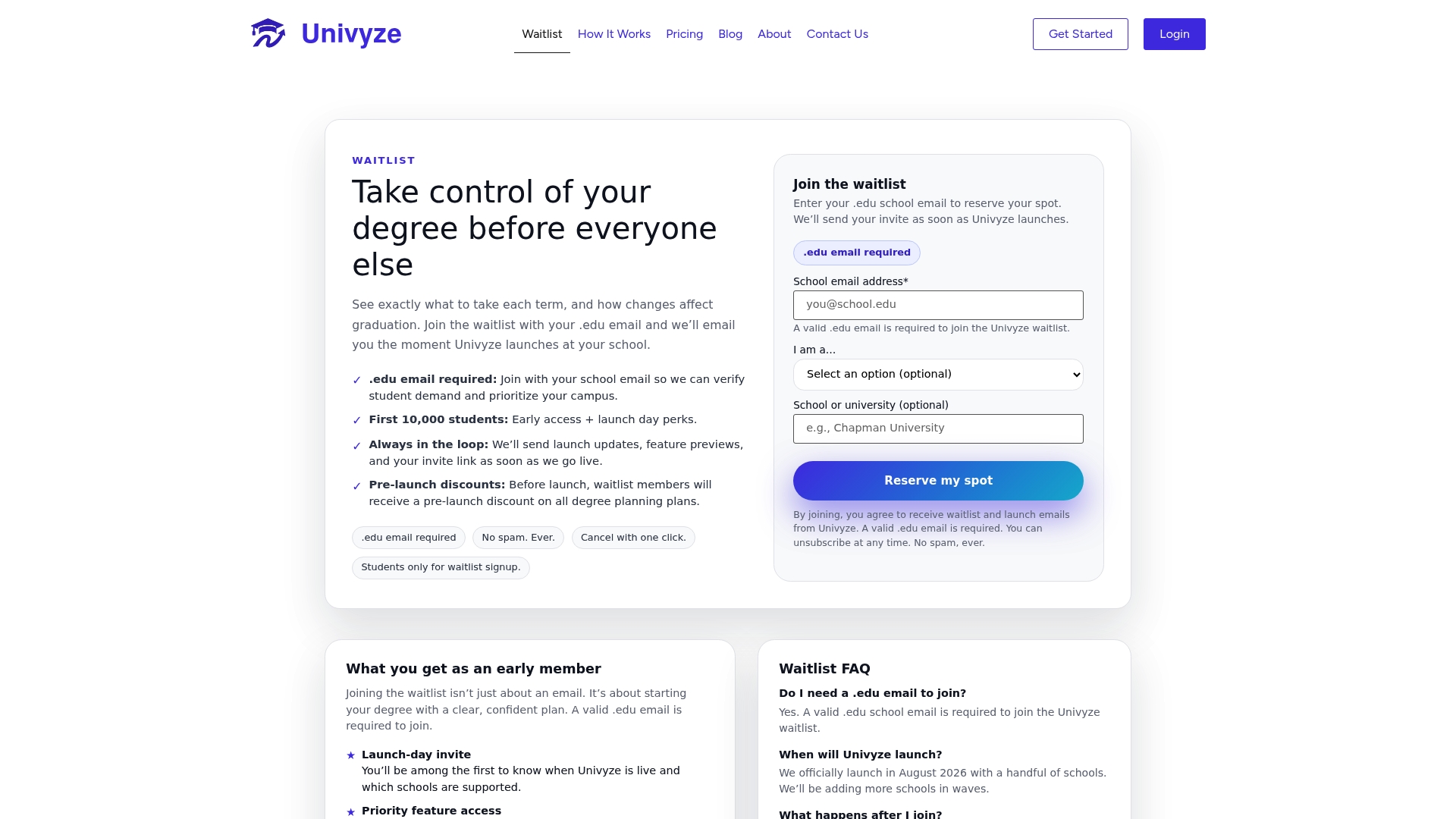
Univyze gives you a dynamic dashboard that maps your degree requirements to real course offerings, term by term. It integrates AP credits, dual enrollment, transfer credits, and summer sessions so your plan reflects your actual situation. The what-if planning feature lets you test a major change or a new elective before you commit. Parents can also see their student’s progress in one clear view. See how Univyze works and join the waitlist for early access to smarter course planning.
FAQ
What does it mean for a class to “count” toward graduation?
A class counts toward graduation when it satisfies a specific requirement in your degree program, such as a major course, a general education category, or a required elective. Courses that do not fulfill any requirement still appear on your transcript but do not reduce the credits you still need to complete.
How many credits should a college freshman take per semester?
Most freshmen perform best at 12–14 credits per semester. Taking 15 credits is the minimum needed to graduate in four years, but it leaves no room for a dropped or failed course.
What is a degree audit and how often should I check it?
A degree audit is an official report from your university that shows which graduation requirements you have completed and which remain open. Check it every semester, including after grades post, to catch gaps before they affect your registration.
What should I do if a required course is full?
Join the waitlist and attend the first week of class in person. Professors frequently add waitlisted students after the first session, especially when enrolled students drop. Always have 2–3 backup courses ready that also satisfy a graduation requirement.
Can AP or transfer credits reduce my time to graduation?
AP and transfer credits can reduce the total credits you need to earn at your university, which can shorten your time to graduation. Always verify with your registrar and advisor that specific credits satisfy the exact requirements you need, since acceptance rules vary by major and institution.