
Build your schedule one term at a time from your official degree audit, then map prerequisites and the terms each course is offered. Keep two or three backup schedules ready, and take a drafted plan to your advisor early. A registration planner will catch time conflicts, and a planning tool like Univyze keeps the whole sequence visible in one place.
TL;DR:
- Map prerequisite chains and courses offered only once a year first; missing one can add a term, while electives can wait.
- Prepare two or three backup schedules that swap sections, formats, or terms, and enroll in a backup while waitlisted for your first choice.
- After grades post, update passed, failed, and transfer credits; a failed prerequisite may automatically drop you from a linked course.
- Use the official degree audit, class schedule, and registration planner to verify requirements, offerings, prerequisites, and meeting times, then review the draft with your advisor.
Table of Contents
- Quick checklist: core scheduling strategies to use every term
- How do you build a multi-term, semester-by-semester plan?
- Avoid conflicts and bottlenecks: practical tactics and backups
- How do you work with advisors and campus tools effectively?
- Why does steady planning beat the last-minute scramble?
- How Univyze helps you stay on a term-by-term plan
- FAQ
- Sources
Quick checklist: core scheduling strategies to use every term
Good scheduling is mostly a short list of habits repeated every term. Start with the courses that decide your timeline, and leave the flexible ones for last. Delays can come from a missed class, not just from a heavy semester.
- Map prerequisites and term-only courses first. Not all courses run every term, and students who skip this step risk an extra term when a required class was missed. Mark these on your plan in a color you will notice.
- Put graduation-critical courses before electives. Advising offices recommend prioritizing courses that move you closer to graduation and spreading out the hardest classes so no single term carries them all.
- Build at least two backup schedules. Swap sections, switch between in-person and online, or move a course to another term, and save each version so you can switch fast on registration day.
- Protect time for work and family. If you work, pick sections that leave real room for it instead of hoping it fits.
- Validate meeting times in the registration tool. Check the section details before you finalize, using the registration planner and catalog your campus provides.
Pro Tip: Pair one demanding course with lighter ones in the same term. A schedule that looks balanced on paper can be easier to manage than a term packed with difficult classes.
How do you build a multi-term, semester-by-semester plan?
Treat this as a process you can repeat each term, not a one-time project. Our guide to building a multi-year degree plan goes deeper on the long view. The core steps look like this:
- Gather your requirements. Open your official degree audit, then pull your department’s four-year or sample plan. Universities publish sample four-year plans as a starting point, and your own plan comes from adjusting them with advisor input. Write down every remaining course and its prerequisites, using the undergraduate bulletin and degree audit as your reference.
- Mark when each course is offered. Departments often label courses as Fall, Spring, Fall/Spring or All, so check those labels and any corequisites as you map each sequence. Chains of prerequisites go on the calendar first.
- Draft the semester-by-semester plan. Use a planner tool, ideally drag-and-drop, and save more than one scenario. Our walkthrough on moving from degree audit to planner shows how the two documents fit together.
- Test it against real sections. Use your school’s schedule of classes to see meeting times and prerequisites before registration opens. Then move your preferred schedule into the enrollment cart.
- Update after every term. Record passed and failed courses, plus any AP, dual enrollment or transfer credit, so your plan stays current. A planner that mirrors the audit helps you plan against real-time requirements rather than static templates.
A plan that is never updated slowly turns into a wish list. Updating after grades post can save confusion at the next registration window.
Avoid conflicts and bottlenecks: practical tactics and backups
Most schedule breakdowns are predictable. A registration planner can flag overlapping times and missing prerequisites, so run that check on every draft, and confirm meeting times against the official class listing before you commit.
- Schedule prerequisite chains early. Courses that run only once a year and courses that unlock later ones should land in the earliest realistic term.
- Know your substitutes. Look up which other courses satisfy the same requirement, so a full section does not become a crisis.
- Use summer and intersession. A summer session can absorb one required course and lighten a crowded fall or spring.
- Have a waitlist plan. Join the waitlist for your first choice, but enroll in a backup so you never end up with a half-empty schedule.
- React fast to a failed prerequisite. Failing one can automatically drop you from a linked course, so update your plan right away and talk to your advisor.
Our checklist on organizing backup schedules shows one way to organize these options, and our prerequisite and corequisite checklist helps you spot chains before they bite.
Pro Tip: Heavy terms raise stress, and stress hurts studying. Partner resources like these evidence-backed exam anxiety strategies can help you plan study loads around your hardest semesters.

How do you work with advisors and campus tools effectively?
Advising meetings go best when you arrive prepared. Advisors prefer students who come with a drafted plan, because the meeting can then focus on higher-level strategy instead of basic schedule-building. Our list of what to bring to advising makes that easy.
- Bring the draft, not a blank page. Show your term-by-term plan and your backup options, and ask what you may have missed.
- Keep the planner and audit in sync. Digital tools build confidence and agency, and they also give registrars data on course demand that can lead to better availability.
- Confirm offerings before enrolling. Check the degree audit, schedule of classes and registration planner so prerequisites and sections are verified, not assumed.
- Remember that offices talk to each other. Advising and registrar offices both produce and use data, so reporting a bottleneck early can help the whole campus.
Why does steady planning beat the last-minute scramble?
Registration week is stressful, and the stress is rarely about the schedule itself. It comes from the fear that a wrong turn could delay graduation and increase costs. Many students wait until the last minute to plan, which limits their choices, while steadier students review their audit continuously and adjust.
My view is simple: a plan is allowed to change, and changing it is a sign it is working. Digital planners give you confidence, but they work best alongside a real conversation with your advisor. Parents can help most by asking good questions and looking at the plan together, while the student stays the one who owns it.
— Ryan
How Univyze helps you stay on a term-by-term plan
We built Univyze to make the habits in this guide easier to keep. Our planner links your degree requirements to real course offerings and builds a term-by-term path automatically. You can account for AP credit, dual enrollment, transfer credits and summer sessions, run what-if scenarios, and see clearer progress tracking. Parents can follow along through shared views, and our parent page explains how.
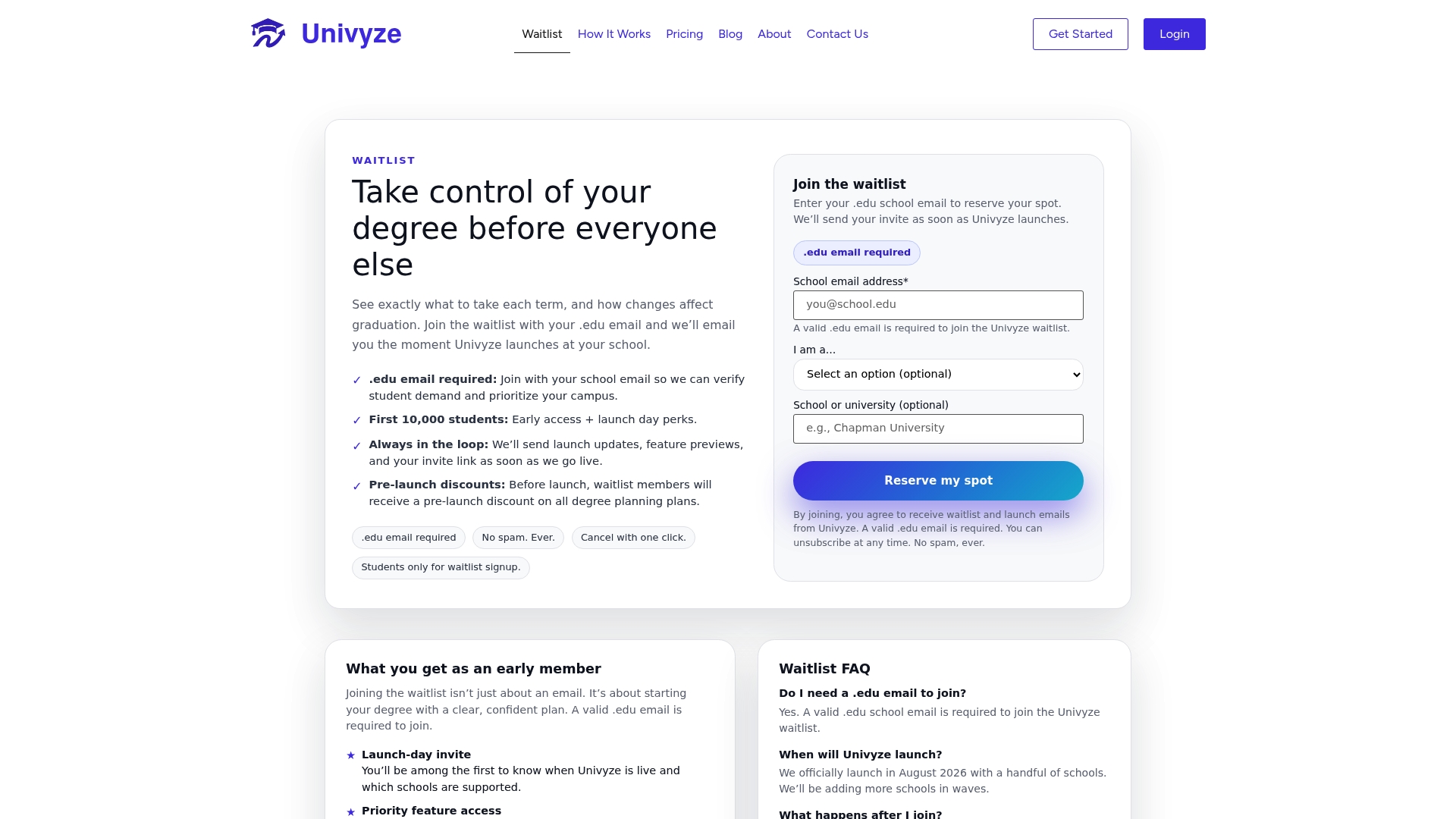
Univyze is a planning tool. It does not replace your official degree audit or your advisor, so verify requirements with your registrar and advisor, and we cannot guarantee course availability or outcomes. Compare plans on our pricing page, or join the Univyze waitlist to get started.
FAQ
Why should you plan courses term by term?
Planning term by term lets you see when each required course is offered and which prerequisites unlock the next one. It also makes a missed class visible before it causes an extra semester. Students who map term availability avoid most surprise delays.
How many backup schedules should you make?
Two or three is a practical target. Each should swap sections, formats or terms so a full class does not force a rebuild. Registration planners can compare schedules and flag errors such as time conflicts for you.
What should you bring to an advising meeting?
Bring a drafted term-by-term plan and your backup options. Advisors say this lets them focus on strategy instead of building your schedule from scratch.
What happens if you fail a prerequisite?
You may be dropped from a linked course that depends on it. Update your plan right away and meet with your advisor, since outdated plans cause graduation delays.