
A degree map is a visual, semester-by-semester academic plan that shows exactly which courses you should take each term to graduate on time. Academic departments design these maps to lay out the recommended sequence of classes, prerequisites, and milestone courses for a specific major. They differ from official degree audits, which your registrar’s office manages. Think of a degree map as your department’s recommended roadmap and your official degree audit as the legal record of your progress. Understanding both tools is one of the most practical steps you can take before registering for your next semester.
What is a degree map, exactly?
A degree map is a department-designed, term-by-term course sequence that guides students through a specific major from the first semester to graduation. It is not an official document. Your registrar’s office does not issue it, and it does not replace your official degree audit. Instead, academic departments create these maps to show the most efficient path through a program.
Degree maps break complex program requirements into visual term-by-term guides, including milestone courses that keep students on track. That structure matters because most majors have strict prerequisites. Taking courses out of order can push graduation back by a full year.

The standard industry term for this tool is an “academic map,” and you will see that phrase used interchangeably with “degree map” at most universities. Both refer to the same thing: a recommended sequence, not a binding contract.
How do degree maps differ from official degree plans and audits?
Students often confuse three related but distinct tools: the degree map, the degree plan, and the degree audit. Knowing the difference prevents costly mistakes.
A degree plan is an official registrar’s audit listing the specific credits you need to graduate. It reflects your actual enrollment history, transfer credits, and remaining requirements. A degree map, by contrast, is a recommended semester-by-semester path designed by your academic department. It shows what a typical student in your major should take each term.
The degree audit, often managed through a system like DegreeWorks, is the live record your registrar’s office maintains. The registrar’s office is responsible for official degree audits that confirm which courses you have completed and which remain. Academic maps supplement that record but do not replace it.
| Tool | Who creates it | What it shows | Binding? |
|---|---|---|---|
| Degree map | Academic department | Recommended course sequence by semester | No |
| Degree plan | Registrar’s office | Your specific credit requirements | Yes |
| Degree audit | Registrar’s office | Completed vs. remaining credits | Yes |
Pro Tip: Print your department’s degree map and open your official degree audit side by side at the start of every semester. Discrepancies between the two are common after course substitutions or major changes, and catching them early saves you from a registration surprise.
What are the benefits of using degree maps during college?
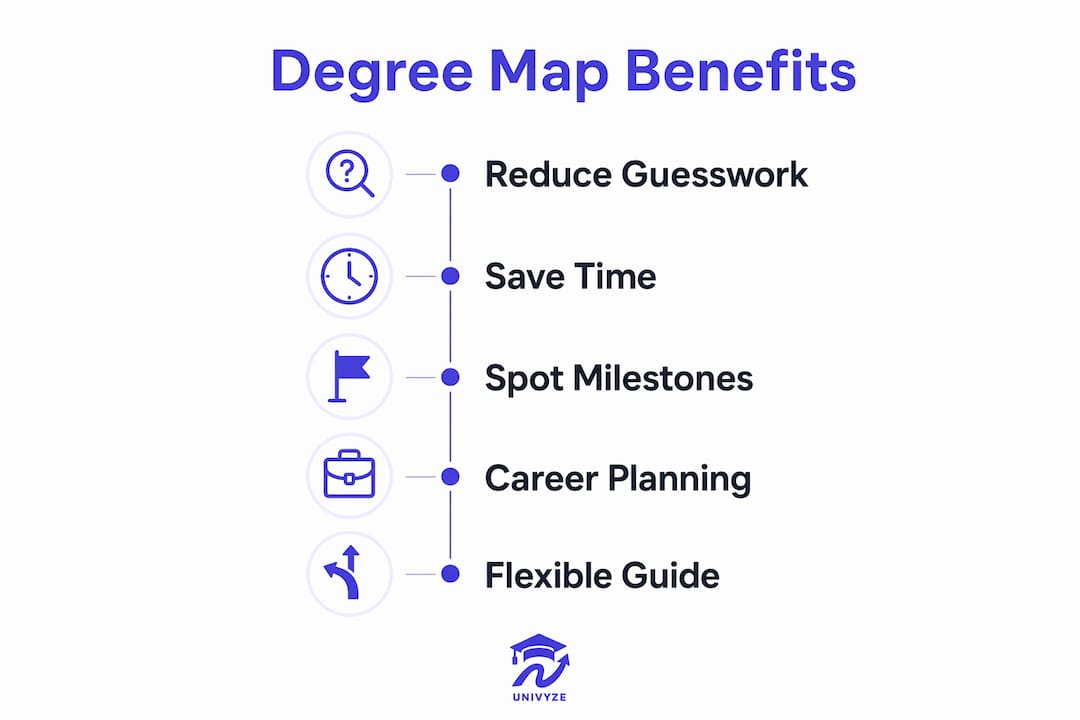
Degree maps reduce the guesswork in academic planning. The financial case alone is compelling.
Students who use academic maps complete degrees with fewer excess credits, reducing graduation time by about one semester. That translates to an average savings of $38,000 in excess credit costs and up to $147,000 in lifetime earnings loss prevented. One extra semester of tuition, housing, and delayed income adds up fast.
Beyond money, degree maps reduce the mental load of planning. Visual degree maps reduce cognitive overload by presenting requirements clearly and sequentially, improving motivation and retention. When you can see your entire four-year path on one page, the degree feels less like a maze and more like a checklist.
The specific benefits include:
- Clearer course sequencing. You see which courses must come before others, so you never accidentally skip a prerequisite.
- Milestone course awareness. Degree maps flag gateway courses that unlock upper-division classes or clinical placements.
- Registration hold prevention. Missing milestone courses for two consecutive semesters can result in registration stops or mandatory major changes. Knowing which courses are milestones lets you prioritize them.
- Faster identification of schedule conflicts. When you know what you need each term, you can spot conflicts before they become problems.
- Better use of summer and winter sessions. A degree map shows where electives or general education courses fit, making it easier to plan classes that count toward graduation during shorter terms.
The map also helps you spot the right moment to declare a minor, add a concentration, or consider graduating early. Without that term-by-term view, those decisions are much harder to time correctly.
Examples of effective degree mapping and career readiness
The most useful degree maps do more than list courses. They embed career milestones directly into the academic timeline.
Career-infused degree maps embed career readiness milestones such as resume workshops and mentorship alongside academic courses to prepare students for post-graduation success. A computer science map, for example, might note that students should attend a career fair in the third semester and complete an internship application by the fifth. That kind of explicit guidance is something most students would otherwise miss.
Here is how effective degree mapping looks in practice across different majors:
- Nursing programs use degree maps to sequence clinical rotations after specific prerequisite science courses. Missing Anatomy and Physiology in the second semester can delay clinical placement by an entire year.
- Business programs embed accounting certification prep and internship timelines into the junior year. Students who follow the map arrive at their senior capstone with the right experience already documented.
- Education programs align student teaching placements with state licensure exam windows. The map tells students exactly when to apply so they do not miss the deadline.
- Engineering programs use maps to show which math sequences unlock which engineering electives. Taking Calculus II a semester late can cascade into a delayed graduation.
One of the most underappreciated benefits of degree mapping applies specifically to first-generation college students.
“Degree maps reveal the hidden curriculum of higher education. They make explicit what continuing-generation students often learn informally: which courses to take first, which professors to seek out, and which milestones signal real progress toward a degree. For students who lack that informal network, a well-designed map is not just helpful. It is equalizing.”
Degree maps expose hidden curriculum elements that benefit first-generation students who lack informal knowledge about course sequencing and milestones. That equity dimension is rarely discussed but genuinely significant.
How to use a degree map effectively alongside official audits
A degree map works best as a flexible guide, not a rigid schedule. Life changes. Professors retire. Courses get canceled. Your map should inform your planning, not lock it in.
Degree maps are guides rather than binding contracts, and advisors recommend using them alongside registrar tools for confirmation. That means every time you register for classes, you should cross-check your map against your official degree audit in DegreeWorks or your university’s equivalent system.
Use these steps to get the most out of your degree map:
- Start with the map, then verify with the audit. Use the map to draft your ideal semester schedule, then open your official audit to confirm those courses still satisfy your requirements.
- Flag milestone courses immediately. Identify every milestone course on your map and treat them as non-negotiable each semester. Missing one can trigger a registration hold that blocks future enrollment.
- Account for transfer and AP credits upfront. If you entered college with AP credits or transfer units, map them against your degree requirements before your first advising appointment. This prevents you from retaking courses you have already passed.
- Revisit your map every semester, not just at registration. Course availability changes, and your map may need to shift. Checking it twice a year keeps your plan current.
- Use summer and winter sessions strategically. A degree map often shows where general education courses fit. Completing one or two during a summer session can free up room for upper-division electives during the academic year.
Pro Tip: If you are considering a double major or a minor, ask your advisor to overlay both degree maps side by side. Shared courses between programs can cut the total credit load significantly, and you will not see that overlap without comparing the maps directly.
Advisors at institutions like Marshall University emphasize that students must cross-check academic maps with official degree audit tools. Skipping that step risks missing a graduation requirement you assumed was covered.
Key Takeaways
A degree map is the most practical planning tool a college student can use, but it only works when paired with your official degree audit and regular advisor check-ins.
| Point | Details |
|---|---|
| Degree map definition | A department-designed, semester-by-semester course sequence for a specific major. |
| Maps vs. audits | Degree maps recommend a path; official audits from the registrar confirm your actual progress. |
| Financial impact | Following a degree map can save an average of $38,000 in excess credit costs per student. |
| Milestone courses | Missing milestone courses for two consecutive semesters can trigger registration holds. |
| Best practice | Cross-check your degree map with your official degree audit every semester, not just at registration. |
Why degree maps changed how I think about academic advising
I spent years watching students arrive at their junior year with a sinking feeling: they had taken the wrong electives, missed a prerequisite, or assumed a course would count when it did not. Almost every one of those situations was preventable with a degree map reviewed early and often.
The conventional wisdom is that advisors are the safety net. I think that framing puts too much responsibility in one place. Advisors are excellent resources, but they carry large caseloads. A student who walks into an advising appointment already holding a completed degree map gets a fundamentally different conversation than one who shows up with no plan. The map shifts the dynamic from “tell me what to do” to “here is my plan, let’s pressure-test it.”
What I find most compelling about career-infused degree maps is that they close a gap most students do not even know exists. The students who graduate career-ready are often the ones who knew, somehow, to attend the career fair in their sophomore year or to apply for a research position before junior year. That knowledge rarely comes from a syllabus. A well-designed degree map makes it explicit for everyone.
My honest recommendation: treat your degree map as a living document. Print it out, mark it up, and bring it to every advising appointment. The students I have seen use it that way consistently graduate with fewer surprises and more options.
— Ryan
Univyze makes degree mapping clearer from day one
Unclear degree planning costs students real money and real time. Univyze is a degree planning tool that connects your actual course requirements to real course offerings, term by term.
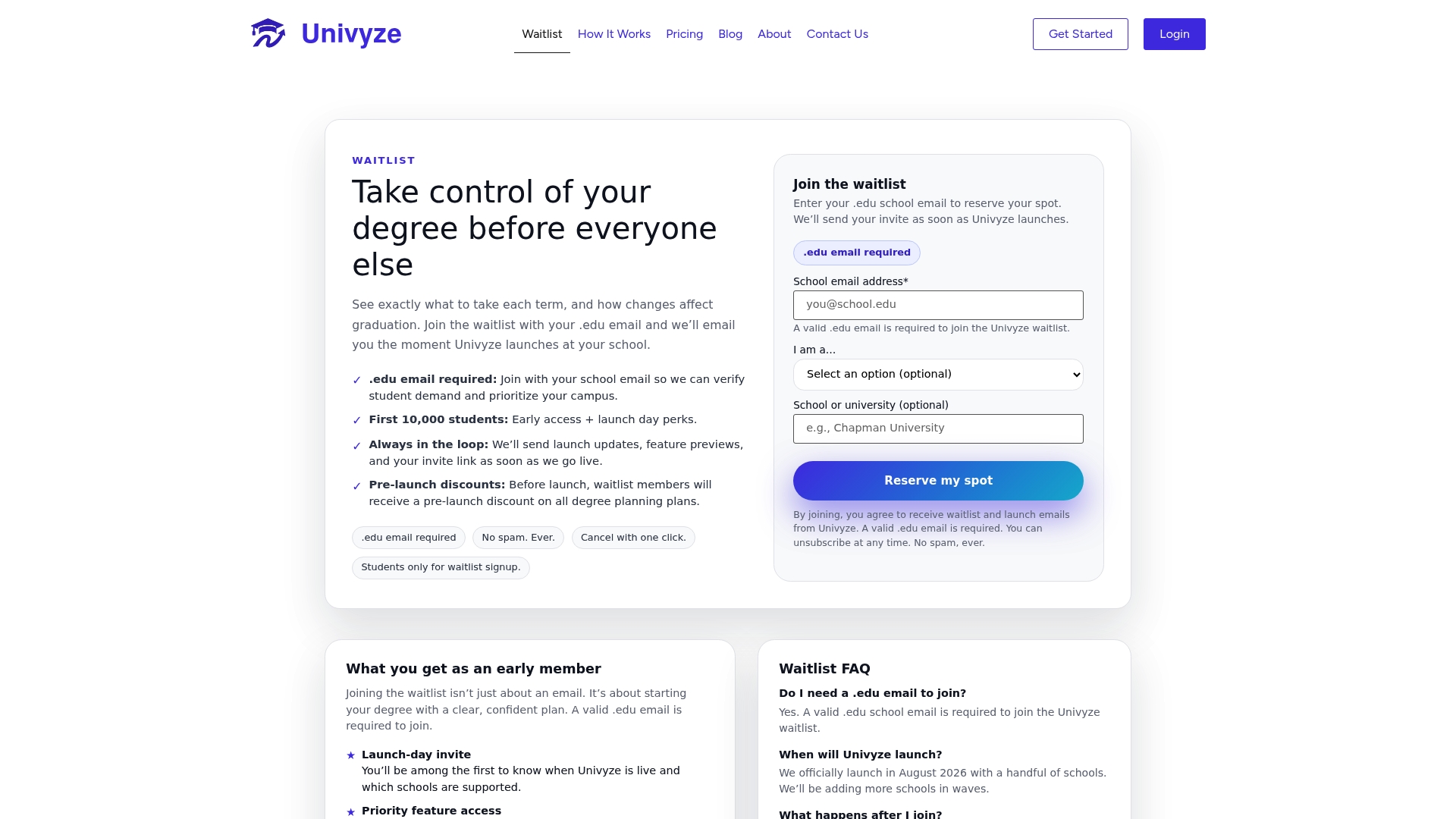
Univyze builds a multi-year degree plan that accounts for AP credits, transfer units, summer sessions, and what-if scenarios when you consider changing your major. Students at UCLA, UCI, USC, and CSULB should always verify their requirements with their official degree audit, university catalog, registrar, and advisor. Univyze works alongside those tools to give you a clearer picture of where you stand. Join the Univyze waitlist and start planning with a map that actually reflects your path.
FAQ
What is a degree map in college?
A degree map is a recommended, semester-by-semester course sequence created by an academic department to guide students through a specific major. It is not an official document but a planning tool designed to help students graduate on time.
How is a degree map different from a degree audit?
A degree map shows the recommended path through your major, while a degree audit, managed by your registrar’s office through tools like DegreeWorks, tracks which requirements you have actually completed. Both tools serve different purposes and work best when used together.
What happens if I miss a milestone course on my degree map?
Missing a defined milestone course for two consecutive semesters can trigger a registration hold and may lead to a mandatory major change. Treating milestone courses as your highest-priority registrations each semester prevents that outcome.
Can a degree map change after I start college?
Yes. Degree maps are guides, not contracts, and departments update them periodically. Students should verify their current map with their advisor each year and cross-check it against their official degree audit to catch any changes that affect their plan.
Do degree maps help with career planning too?
Career-infused degree maps embed milestones like resume workshops, internship timelines, and mentorship programs directly into the academic sequence. This approach connects classroom learning to post-graduation readiness and is increasingly common at universities focused on student outcomes.