
An academic calendar is the official schedule of important dates for an academic year or term, including when classes start and end, registration windows, exam periods, breaks, and administrative deadlines. Think of it as the master clock every student, parent, and instructor runs on. A concrete example: Fall term with defined start and end dates, add/drop deadlines, and set final exam windows.
Three sources you should always trust for accurate dates: your institution’s registrar, the Federal Student Aid Handbook (which governs how calendar definitions affect your financial aid), and a planning tool like Univyze to map those dates against your degree requirements.
Key facts to keep in mind before reading further:
- The academic calendar is the institution’s published schedule; the academic year is a separate federal or institutional measurement that affects aid calculations.
- Missing a single deadline on the calendar, such as the add/drop window, can cost you a full letter grade or a tuition refund.
- Calendars can and do change; always verify with the registrar before acting on high-stakes deadlines.
Table of Contents
- What are the core components of an academic calendar?
- What types of academic calendars do U.S. colleges use?
- What does a sample academic-year timeline look like?
- How should students, parents, and educators use the academic calendar?
- How do you make or customize an academic calendar?
- When does the academic calendar vary or change unexpectedly?
- How do you verify official dates and keep your calendar current?
- Key Takeaways
- Why calendar clarity is the foundation of smart planning
- Univyze helps you plan around your academic calendar
- Useful sources for verifying academic calendar dates
- FAQ
What are the core components of an academic calendar?
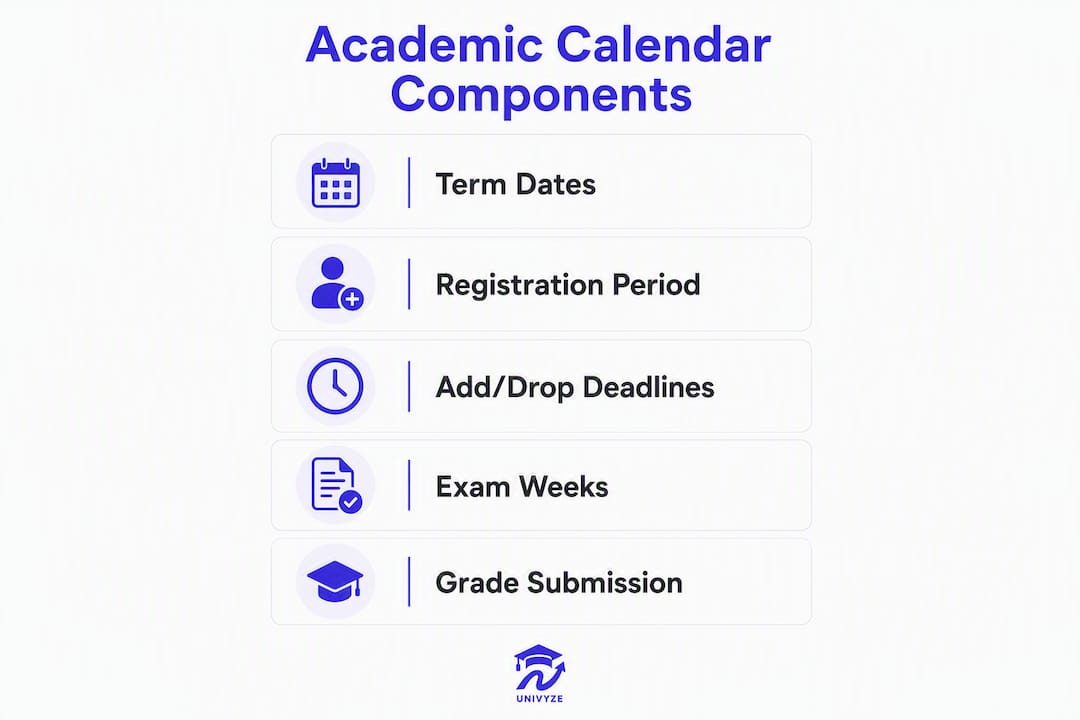
Every U.S. college calendar, regardless of format, contains the same essential building blocks. Here is what each one means and why missing it hurts:
- Term start and end dates. The boundaries of your enrollment period. Missing the first day rarely has a penalty, but it sets a bad tone.
- Registration windows. The dates when you can enroll in courses for the upcoming term. Opening times are often staggered by class standing, so check yours specifically.
- Add/drop deadline. Usually one to two weeks into the term. Drop before this date and you get a full refund and no transcript record. Drop after it and you may receive a “W” and owe tuition.
- Withdrawal deadline. A later cutoff, typically mid-term, after which you cannot leave a course without academic or financial penalty.
- Exam periods. Midterm and final exam windows. Instructors schedule around these; knowing them early prevents travel conflicts.
- Breaks and holidays. Thanksgiving, winter break, spring break. These affect assignment due dates and instructor availability more than students expect.
- Grade submission deadline. The date by which instructors must post final grades. Relevant if you are waiting on a grade to confirm a prerequisite or financial-aid standing.
- Commencement. Graduation ceremony date. Families need this months in advance for travel and lodging.
Every department at your institution references the academic calendar to coordinate its own operations, which is why a date change in one area ripples across the whole campus. Always confirm graduation-related deadlines against your official degree audit, not just the calendar alone.
What types of academic calendars do U.S. colleges use?
The format your school uses shapes how many courses you take at once, how financial aid is disbursed, and how complex transfer credit becomes.

| Calendar Type | Terms per Year | Typical Term Length | Common At |
|---|---|---|---|
| Semester | 2 (Fall + Spring) | 14–16 weeks | Most 4-year universities |
| Quarter | 3–4 | 10–12 weeks | UC system, some state schools |
| Trimester | 3 | 12–14 weeks | Some liberal arts colleges |
| 4-1-4 (4-4-1) | 2 main + 1 short | 14–16 weeks + 4-week Jan term | Small liberal arts colleges |
| Block plan | 8 blocks | — | Colorado College, Quest University |
| Non-term / subscription | Varies | Defined by subscription period | Competency-based programs |
Semesters and trimesters generally contain a typical range of weeks of instructional time; summer terms are often shorter than the typical semester or trimester term length. Quarter systems move faster, which some students find energizing and others find relentless. Block plans go deep on one subject at a time, which suits intensive learners but can complicate transfer credit since three-week courses do not always map neatly to semester credit hours.
Subscription-based and non-term programs have specific Title IV rules that change how payment periods and loan-limit progression are calculated. If you are enrolled in a competency-based or certificate program, your calendar may look nothing like a traditional semester, and your aid disbursement schedule will reflect that.
A note for parents: the calendar type directly affects when tuition bills arrive and when financial aid hits the student account. A quarter school sends three bills per year; a semester school sends two.
What does a sample academic-year timeline look like?
Below is a representative fall–spring timeline for a semester-based U.S. university. Your school’s exact dates will differ; use this as a template to map your own.

| Milestone | Typical Timing |
|---|---|
| Registration opens for continuing students | Commonly a few months before Fall term |
| New student orientation | Late summer period |
| First day of classes | Late summer to early fall |
| Add/drop deadline | Within the first few weeks after classes begin |
| Financial-aid disbursement | Early in the term |
| Midterm exams | Middle of the term |
| Withdrawal deadline | Mid to late term |
| Thanksgiving break | Late fall period |
| Last day of classes | End of the term |
| Final exams | At the conclusion of the term |
| Grade submission deadline | Soon after finals |
| Spring registration opens | Late fall |
| Spring classes begin | Early in the new calendar year |
| Spring break | Mid spring |
| Spring finals | Early spring term end |
| Commencement | Late spring |
Typical term lengths to keep in mind:
- Semester: 14–16 weeks of instruction
- Quarter: 10–12 weeks
- Trimester: 12–14 weeks
- Summer session: often 6–10 weeks, sometimes as short as 4
Summer sessions are almost always compressed, which means assignments and exams come faster. Professional or certificate programs may run on entirely different schedules within the same campus.
How should students, parents, and educators use the academic calendar?
Knowing the dates is only half the job. Here is how to actually use them:
For students:
- Mark add/drop and withdrawal deadlines in your personal planner the moment the calendar publishes. These are the two dates that cost the most money when missed.
- Note financial-aid disbursement windows and confirm they align with your tuition payment due date.
- Block exam weeks in advance so you are not booking travel or scheduling work shifts during finals.
- Use the college schedule-building checklist to cross-reference calendar dates with your degree requirements each term.
- If you are using AP credits, dual enrollment credits, or transfer credits, confirm with the registrar how they apply before registration opens.
For parents:
- Pull the tuition payment deadlines and financial-aid disbursement dates early. A missed payment deadline can result in a hold that blocks course registration.
- Commencement dates are announced months out; book travel as soon as the date is confirmed.
- The Univyze parent dashboard gives you visibility into your student’s term-by-term progress without needing to call the registrar.
For educators:
- Build your syllabus around the official exam and grade-submission dates, not around your own preferred schedule. Students plan backward from those fixed points.
- Grade submission deadlines affect students’ financial-aid standing and prerequisite clearance for the next term.
Pro Tip: Sync official calendar dates to Google Calendar or Apple Calendar using the registrar’s iCal export if one is available. Set reminders 10 days before each major deadline, not just the day before. Then verify the dates have not changed before you act on any high-stakes deadline.
How do you make or customize an academic calendar?
For instructors, department chairs, or administrators building a calendar from scratch, the process is straightforward when you work in the right order.
- Define term boundaries. Set the first and last day of instruction for each term, aligned with your institution’s governing policies or accreditor requirements.
- Align with institutional and federal rules. Confirm that your term lengths meet minimum instructional-time requirements for Title IV eligibility if your program receives federal aid.
- Set registration and add/drop windows. Registration typically opens 4–8 weeks before the term. Add/drop usually closes 5–10 business days after the first day of class.
- Schedule the withdrawal deadline. Place it at roughly the 60% point of the term, which is also the threshold used for Return of Title IV funds calculations.
- Block exam weeks and grade deadlines. Final exam periods need at least one week; grade submission deadlines should fall within 5–7 business days after finals end.
- Add breaks and holidays. Align with federal holidays and institutional closures; confirm with HR and facilities.
- Publish and distribute. Post on the registrar’s site, the department page, and the student information system. Send a direct notification to enrolled students.
Template fields every calendar should include:
- Term name and academic year
- Term start and end dates
- Registration open and close dates
- Add/drop deadline
- Withdrawal deadline
- Midterm and final exam weeks
- Grade submission deadline
- Breaks and holidays
- Contact for questions or change notifications
- Version number and last-updated date
Keep a change log. When dates shift, document what changed, why, and when, and notify students immediately through the student information system.
When does the academic calendar vary or change unexpectedly?
Not every student on campus follows the same calendar, and even a published calendar is not permanent.
- Program-specific calendars. An undergraduate semester program and a certificate program using clock hours at the same school may have different academic-year definitions and payment periods. Law schools, medical schools, and nursing programs frequently run on separate schedules.
- Non-term and subscription models. Competency-based programs use subscription periods rather than fixed terms. Aid disbursement and loan-limit progression follow different rules in these formats.
- Emergency closures. A campus closure for weather, public health, or infrastructure can shift exam dates, extend a term, or compress a grading window. These changes are announced through the registrar and the student information system.
- Overlapping or modular terms. Some schools offer 8-week modules within a semester, meaning two modules run back-to-back inside one financial-aid payment period. Dropping a module-two course after module one ends can trigger a Return of Title IV calculation.
When dates change, take these steps in order:
- Confirm the updated date on the official registrar page, not a department email or social media post.
- Check whether the change affects your financial-aid disbursement or satisfactory academic progress standing.
- Update your personal planner and any course-sequencing plan you are running.
- Contact your advisor if the change affects a prerequisite or graduation timeline.
How do you verify official dates and keep your calendar current?
The published calendar is a living document. Institutions update it for emergencies, policy changes, and accreditation adjustments, sometimes with little notice.
Verification checklist:
- Registrar’s website. The primary source. Look for a publish date and a version or change-log note.
- Official academic calendar PDF. Many registrars publish a downloadable version; check the file’s creation or revision date.
- Degree audit. Your degree audit reflects the requirements tied to your catalog year, but it also surfaces holds and missing credits that interact with calendar deadlines.
- University catalog. Confirms the academic policies that govern add/drop, withdrawal, and grading.
- Advisor confirmation. For anything that affects graduation timing or financial aid, a brief email to your advisor creates a paper trail.
Trust signals to look for on a registrar page: a clearly posted last-updated date, a version number or change log, and a direct contact email or phone number for questions. If none of those are present, call the registrar’s office directly before acting on a deadline.
For students managing a heavy course load, the overloaded semester guide walks through how to reconcile official calendar dates with a personal planner without burning out.
Key Takeaways
An academic calendar is the official institutional schedule that governs every high-stakes deadline in your college career, and verifying it with the registrar before acting is the single most important habit you can build.
| Point | Details |
|---|---|
| Core definition | An academic calendar is the official schedule of term dates, registration windows, exams, breaks, and administrative deadlines for an academic year. |
| Term lengths vary | Semesters run 14–16 weeks; quarters 10–12 weeks; summer sessions often 6–10 weeks or fewer. |
| Calendar type affects aid | Your school’s calendar format (semester, quarter, non-term) directly shapes when financial aid is disbursed and how payment periods are calculated. |
| Always verify with the registrar | Calendars change; confirm every high-stakes date on the official registrar page before acting, not from a third-party source. |
| Univyze maps calendar to degree | Univyze’s term-by-term planning tool helps you see how calendar dates align with your degree requirements, though it is not a substitute for your official degree audit or advisor. |
Why calendar clarity is the foundation of smart planning
Most students treat the academic calendar as background noise until a deadline hits them. That is the wrong frame entirely. The calendar is not just a schedule; it is the structure that determines whether your financial aid arrives on time, whether a dropped course shows on your transcript, and whether you are on track to graduate when you expect to.
What gets underestimated is how much the type of calendar matters. A student transferring from a quarter system to a semester school is not just adjusting to longer terms. The credit-hour translation, the add/drop rhythm, and the financial-aid payment periods all shift. Students who do not account for that transition often find themselves a term behind without understanding why.
The other thing worth saying plainly: the academic calendar and the academic year are not the same thing. The calendar is what your school publishes. The academic year is a federal measurement that governs how Pell Grants and loans are calculated. They usually align, but in non-term and competency-based programs, they can diverge significantly, and that gap has real dollar consequences.
Planning tools help, but they are only as good as the data you feed them. The registrar’s page is the ground truth. Everything else, including any app or dashboard, is a layer on top of that.
Univyze helps you plan around your academic calendar
Keeping track of term dates, registration windows, and degree requirements across multiple years is genuinely hard to do in a spreadsheet. Univyze gives students a visual degree map that layers your actual course requirements on top of your term-by-term calendar, so you can see at a glance whether you are on track, where gaps exist, and how a schedule change in one term ripples forward.
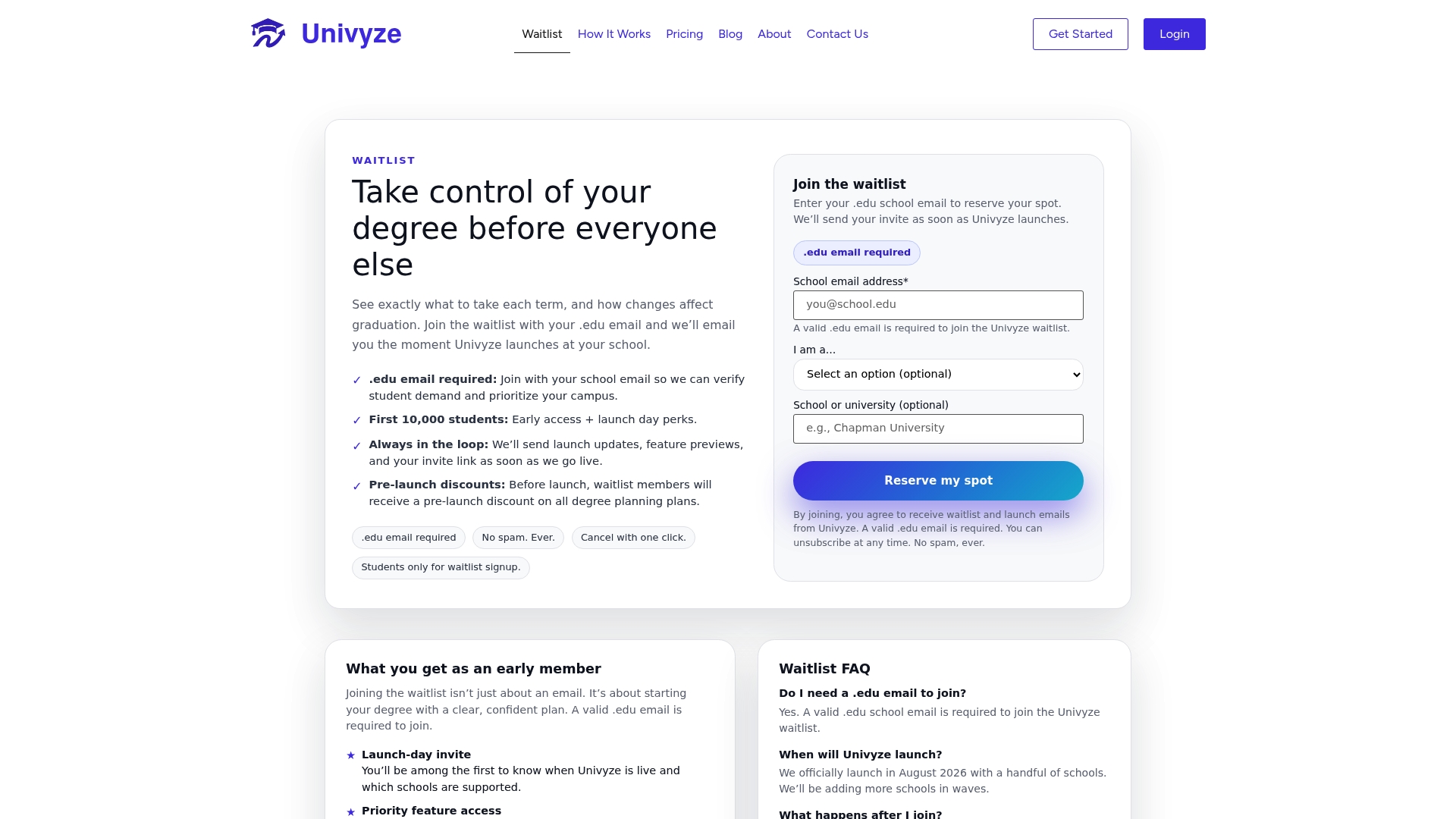
Features students use most: automatic term-by-term planning, what-if scenario analysis for major changes, AP and transfer credit integration, summer session planning, and progress tracking that parents can view alongside you. Univyze is a planning tool, not an official degree audit. Always verify your requirements with your registrar, university catalog, and academic advisor.
Ready to see your degree path clearly? Explore how Univyze works or join the waitlist to get early access.
Useful sources for verifying academic calendar dates
When you need authoritative definitions or official guidance, go to these sources directly:
- Federal Student Aid Handbook, Volume 3, Chapter 1 — the governing document for how academic-year and calendar definitions affect Title IV aid, payment periods, and disbursements.
- University of Rochester Glossary of Academic Terms — institutional definitions aligned with federal rules and accreditation standards; useful for understanding how terms like “academic year” and “academic calendar” are formally distinguished.
- uniRank Academic Calendar Glossary — a concise, widely cited short definition used across university glossaries.
- Your institution’s registrar page — the only source for your actual dates. Look for a publish date, version number, and contact information before relying on any deadline.
This article is general educational information, not legal, financial, or academic advising. Confirm all dates, aid rules, and degree requirements with your institution’s registrar, official catalog, and a qualified academic advisor.
FAQ
What is an academic calendar?
An academic calendar is the official schedule of important dates for an academic year or term, including class start and end dates, registration windows, exam periods, breaks, and administrative deadlines. Every U.S. college and university publishes one, typically through the registrar’s office.
How many weeks are in an academic calendar term?
Semester and trimester terms generally run 14–21 weeks of instructional time; quarter terms typically run 10–12 weeks; summer terms are shorter and may be fewer than 14 weeks. The exact count varies by institution and program.
What is the difference between an academic calendar and an academic year?
The academic calendar is your school’s published schedule of dates. The academic year is a federal or institutional measurement, defined in weeks of instructional time and credit hours, that governs how financial aid is calculated. They usually align but can differ in non-term or competency-based programs.
How do I make an academic calendar?
Define your term start and end dates, set registration and add/drop windows, schedule exam weeks and grade-submission deadlines, add breaks and holidays, then publish on the registrar’s site with a version date and a contact for changes. Align all dates with your institution’s policies and Title IV requirements if federal aid is involved.
How do I find and verify my school’s academic calendar?
Go directly to your institution’s registrar website and look for the official academic calendar page or PDF. Check for a last-updated date and a change log. For anything affecting financial aid or graduation, confirm the date with your academic advisor as well.