
The USC STARS report is the official academic record that tracks every course you have completed, every requirement you still need, and your overall progress toward your degree. Effective USC class planning starts with reading this report correctly. Students who skip it or misread it risk registering for the wrong courses, missing prerequisites, or discovering a gap in their degree requirements too late to fix without an extra semester. This guide walks you through how to access your STARS report, use it to build a smart class schedule, avoid common mistakes, and stay on track for graduation at USC.
How to use your USC STARS report for class planning
The STARS report is accessible through the Experience USC portal under the “My Academics” tab. It reflects your entire academic history, including coursework completed at USC and any transfer credits that have been evaluated and applied to your degree. Every student should pull this report before each registration period, not just once at the start of their program.
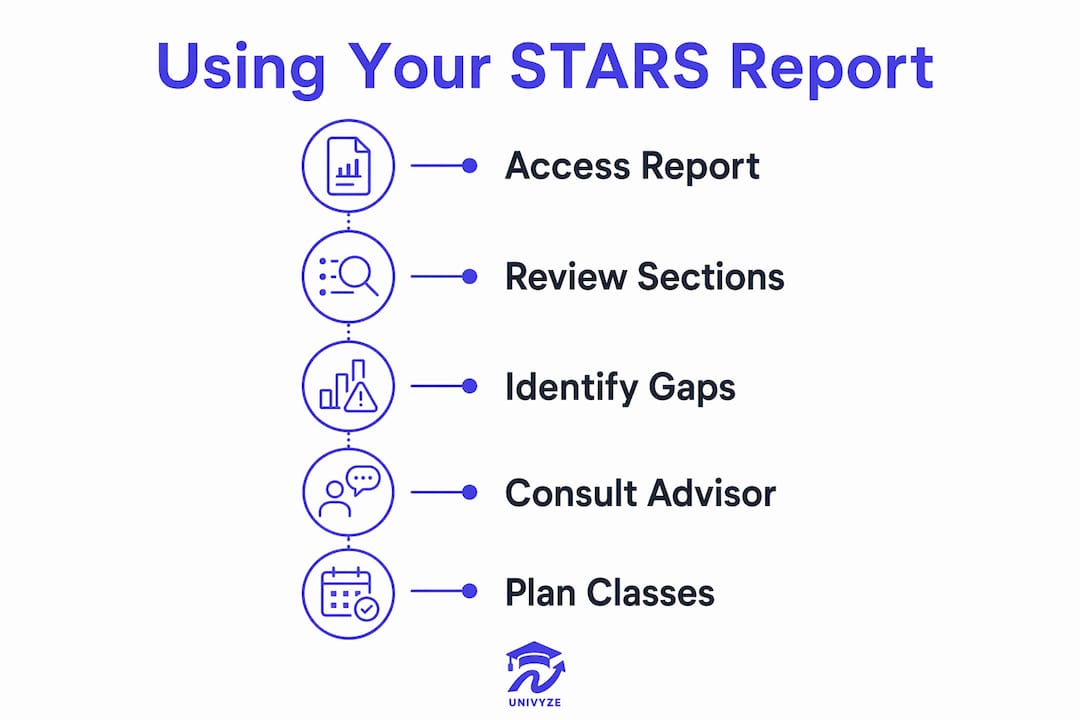
The report is organized into sections that show completed requirements, credits in progress, and unmet requirements. Reading it correctly means understanding which bucket each course falls into. A course that appears in your transcript does not automatically satisfy a requirement. It must be mapped to a specific category, such as a General Education requirement, a major core course, or an approved elective.

You can print or request an updated STARS report through the Experience USC portal or by visiting your academic advisor. The report refreshes periodically, but the timing of updates is not always immediate. If you recently completed a course or had transfer credits evaluated, allow time for the system to update before drawing conclusions from what you see.
Pro Tip: Request a fresh copy of your STARS report at least two weeks before your registration window opens. That gives you time to spot discrepancies and meet with your advisor before you need to enroll.
Key sections to review every time you open your STARS report:
- Completed requirements: Courses already applied to your degree. Verify these match what you expect.
- Transfer and AP credits: Check that all external credits have been evaluated and placed correctly.
- Unmet requirements: The list of what you still need. This drives your entire registration strategy.
- Units completed vs. units required: A quick check on whether you are pacing correctly for your expected graduation term.
How to register for classes using your STARS report
Your STARS report tells you what you need. USC’s Web Registration system is where you act on that information. The two tools work together, and using one without the other leads to scheduling errors that can cost you time and money.
Start by listing every unmet requirement from your STARS report. Then sort them by urgency:
- Lower-division prerequisites: Courses that must be completed before you can take upper-division major requirements. Identify these first and schedule them as early as possible. Waiting on prerequisites pushes back your entire course sequence.
- Major core requirements: Required courses with limited seat availability or specific semester offerings. Check the USC Schedule of Classes to confirm when each course is offered and whether it conflicts with other required courses.
- General Education requirements: These often have more flexibility in timing, but do not leave them all for your final year. Spreading them across your first two years keeps your schedule balanced.
- Electives: Fill remaining units with electives that either support your major or satisfy a minor. Understanding why electives matter in your degree plan helps you use these units strategically rather than randomly.
- D-clearances and restricted courses: Some courses require departmental clearance before you can enroll. Contact the department directly to request clearance before your registration window opens. Do not assume the Web Registration system will flag this for you automatically.
Web Registration is the official system for enrolling, dropping, and changing classes at USC. Errors in this system, such as dropping a course past the deadline or failing to add a required section, can create discrepancies in your STARS report that take time to resolve. Always confirm your enrollment is finalized and reflected correctly.
Pro Tip: Mark every registration deadline on your calendar the moment the academic calendar is published. Add and drop deadlines, grade option change deadlines, and withdrawal deadlines are all different. Missing one can affect both your transcript and your degree progress.
What are the most common STARS report mistakes USC students make?
The most common mistake is treating the STARS report as a fully automated, always-current record. It is not. Automated STARS updates do not always capture the most recent departmental approvals, course substitutions, or complex major sequencing decisions. Students who rely entirely on the report without verifying details with their advisor often discover gaps at the worst possible time, such as during their final semester.
A second major mistake is ignoring departmental clearance requirements. Many upper-division and specialized courses at USC require a d-clearance before enrollment. Students often wait for the Web Registration system to alert them, but that alert does not always come. Proactively contacting the department weeks before your registration window is the only reliable approach.
“The STARS report should be the base for mapping your degree path, but it needs supplementing with regular advisor consultations for changes and sequencing.” — USC Viterbi Advising
A third mistake involves transfer students and students who have changed majors. Transfer credits and course substitutions from a previous major do not always map cleanly to new requirements. The STARS report may show a course as completed without confirming it satisfies a specific requirement in your new major. Verify every credit with your advisor after any major change.
Watch for these specific pitfalls:
- Assuming completion equals satisfaction: A course appearing on your transcript does not guarantee it fulfills a specific degree requirement.
- Ignoring academic standing requirements: Your GPA affects your registration privileges. Falling below a 2.0 cumulative GPA triggers a more restricted planning process.
- Skipping advisor verification for complex sequences: Double majors, minors, and combined degree programs require manual verification that goes beyond what the STARS report shows automatically.
How does academic standing affect your ability to register at USC?
Your GPA is not just a number on your transcript. It directly controls your access to normal registration. USC requires a minimum 2.0 cumulative GPA to maintain standard registration privileges. Students who fall below this threshold enter a structured, advisor-guided planning process that changes how and when they can register.
Students on academic notice must meet with counselors regularly and complete advisement forms before they can register for classes. This requirement exists to make sure students in academic difficulty have a recovery plan in place before adding more coursework. Independent use of the STARS report takes a back seat to this mandatory counseling process.
The practical implication is clear. If your GPA drops below 2.0, your registration timeline shifts. You cannot simply log into Web Registration during your assigned window and enroll. You must first clear any holds placed on your account by Academic Counseling. Missing a counseling appointment or failing to submit the required advisement form can delay your registration and limit your course options for that term.
Pro Tip: Check your student account for holds at least three weeks before your registration window. Holds from Academic Counseling, the registrar, or financial aid all block enrollment. Clearing them early gives you the most course options.
Key steps for students managing academic standing:
- Meet with your academic counselor at the start of each semester, not just when a hold appears.
- Submit all required advisement forms before your registration window opens.
- Build a realistic course load. Overloading while recovering your GPA often makes the situation worse.
- Use your STARS report in every counseling meeting as a reference point for what requirements remain.
Students planning early and verifying progress with their advisor consistently have better outcomes at registration time. The combination of regular advising and an accurate reading of your STARS report is the most reliable path to staying on track.
Key Takeaways
Your STARS report is the foundation of every registration decision at USC, but it only works when you combine it with advisor verification, proactive clearance requests, and consistent attention to your academic standing.
| Point | Details |
|---|---|
| Access STARS early | Pull your report at least two weeks before registration opens to catch errors in time. |
| Prioritize prerequisites | Schedule lower-division requirements first to avoid delays in your upper-division course sequence. |
| Verify with your advisor | The STARS report does not capture all departmental approvals; confirm complex requirements directly. |
| Monitor your GPA | Falling below a 2.0 cumulative GPA triggers mandatory counseling holds that block registration. |
| Request d-clearances early | Contact departments directly for restricted courses before your registration window opens. |
What I have learned from watching students use the STARS report
Most students treat the STARS report like a finished product. They open it, scan it, and assume what they see is complete and current. That assumption causes more registration problems than almost anything else I have seen.
The report is a starting point, not a final answer. I have watched students arrive at their senior year with a STARS report that looks clean, only to discover that a course substitution from a major change two years earlier was never formally approved. The report showed the course as completed. The department had no record of the approval. That student needed an extra semester to resolve it.
The habit that actually works is cross-validation. Pull your STARS report, then sit down with your advisor and go through your unmet requirements line by line. Do this once a year at minimum, and again after any major change, transfer credit evaluation, or course substitution request. It takes about 30 minutes and it has prevented more graduation delays than any other single practice I can point to.
Prerequisite chains deserve special attention. USC has courses where the sequence spans three or four semesters. If you identify a prerequisite gap in your junior year, you may not be able to close it before your intended graduation term. Map your prerequisite chains in your first year and build a multi-year plan around them. That single habit changes your entire trajectory.
Transfer students and students who change majors need to be especially careful about elective and unit counts. The STARS report may show units as completed without confirming they satisfy current major requirements. Always verify with your advisor after any change, and do not wait for the system to flag the problem.
— Ryan
Univyze and your USC degree planning
The STARS report gives you the official picture of your degree progress. Univyze gives you a clearer, more visual way to plan what comes next.
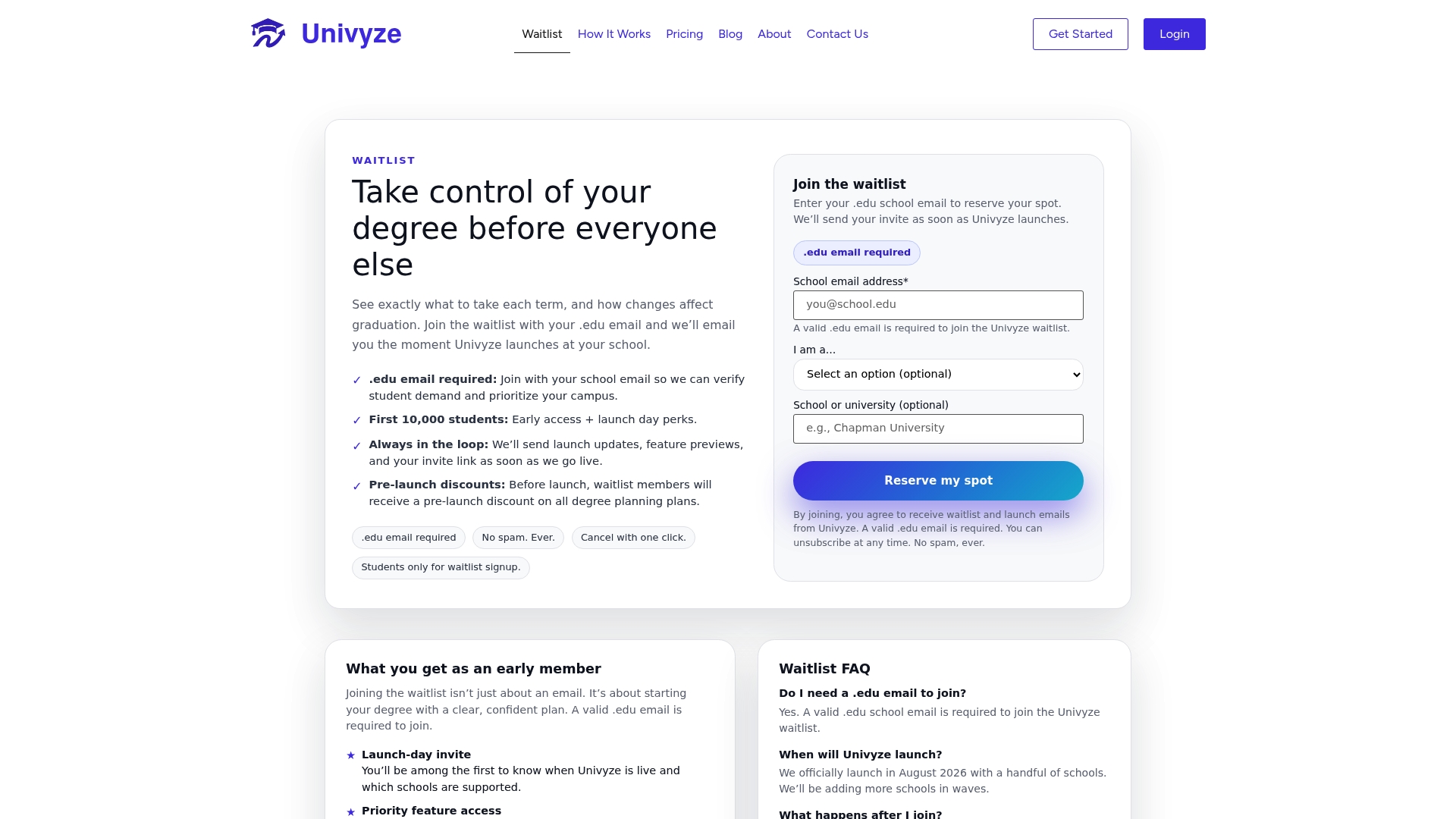
Univyze builds a dynamic dashboard that maps your completed requirements against what you still need, term by term. It accounts for AP credits, dual enrollment, transfer credits, and summer sessions, so nothing gets lost in the planning process. You can run what-if scenarios to see how a major change or an added minor affects your timeline before you commit. Parents can also view your progress, which takes a lot of back-and-forth out of those conversations. Univyze is not a replacement for your advisor or your official USC degree audit. It is a planning tool that helps you see your path clearly before you walk into your next advising appointment. Join the Univyze waitlist and start planning with more confidence.
FAQ
What is the USC STARS report?
The USC STARS report is the official academic progress record that tracks all completed coursework, transfer credits, and remaining degree requirements. Students access it through the Experience USC portal under “My Academics.”
How often does the STARS report update?
The STARS report refreshes periodically, but updates are not always immediate. Students should request a current version from their advisor or through Experience USC before each registration period rather than relying on a cached view.
Can I register for classes based only on my STARS report?
The STARS report is a starting point for planning your schedule, but it does not capture all departmental approvals or recent course substitutions. Always verify complex requirements with your advisor before finalizing your registration.
What happens if my GPA falls below 2.0 at USC?
Students with a cumulative GPA below 2.0 are placed on academic notice and must complete mandatory counseling and submit advisement forms before they can register. This process takes priority over independent use of the STARS report.
How do I get a d-clearance for a restricted course at USC?
Contact the department offering the course directly and request clearance before your registration window opens. Web Registration does not automatically notify you when a d-clearance is required, so proactive outreach is the only reliable method.