
Getting into a full class starts with the waitlist, but the waitlist alone rarely does the job. Your fastest path is to join every eligible waitlist section, clear any holds or prerequisite issues that block automatic enrollment, set alerts, show up to the first class meeting, and ask the professor directly about a permission number. If none of that works within the add period, request a departmental override and line up a backup course so a delay does not result in missing your progress this term.
TL;DR:
- Joining all eligible waitlist sections and showing up to the first class meeting increases your chances, but many students get skipped due to registration holds or schedule conflicts.
- Contacting professors with a concise, prepared message and visiting office hours in person often yields faster permission numbers or add codes than simple requests by email.
- Submitting departmental override requests early and preparing backup courses help prevent missing deadlines or delaying graduation if you cannot enroll through waitlist or instructor approval.
- Using tools like Univyze for term-by-term planning and scenario analysis can identify conflicts or delays before registration opens, reducing last-minute struggles.
- Verify your school’s policies on waitlists, overrides, and deadlines, as procedures vary and some courses may not offer automated waitlists or permit overrides.
Table of Contents
- How University Waitlists Actually Work
- What To Do Right Now: Your Priority Checklist
- How To Contact The Professor And Department
- Show Up To The First Class Meeting Anyway
- Departmental Overrides And Permission Numbers Explained
- Build A Backup Plan Before You Need One
- How Proactive Planning Reduces Closed-Class Risk
- The Fastest Real Path, In Plain Terms
- Plan Smarter So Full Classes Don’t Derail Your Term
- Registrar and Advising Pages to Check for Your School
- Sources
- FAQ
How University Waitlists Actually Work
A waitlist is not a queue that quietly delivers you a seat. It runs on an automated system that checks for open spots and tries to enroll students in order, and that check happens fast and often. Some schools run these sweeps as frequently as every 15 to 30 minutes during add/drop, which means seats open and close before most students even notice.
That speed is also why students get skipped. The system will pass right over your name if something on your account blocks enrollment, even if you’re first in line. Common blockers include:
- A registration hold (financial, advising, health, or disciplinary)
- A time conflict with another class already on your schedule
- A missing or unverified prerequisite
- Being at your maximum allowed credit limit
Waitlists are also not universal. Some limited-enrollment courses skip the waitlist model entirely and use lotteries, reserved seats, or instructor selection instead. And waitlists don’t run forever. Most shut down once the add period ends, usually in the first one to two weeks of the term, after which any further path into the class runs through the instructor or department rather than the automated system.
What To Do Right Now: Your Priority Checklist
Treat this like triage. Work through it in order, because each step removes a reason the system might be skipping you.
- Join the waitlist for every section you qualify for. Click “View All” in your registration portal to catch linked lecture, lab, or discussion sections you might otherwise miss.
- Clear your holds and confirm prerequisites. A single unpaid fee or an unverified transfer credit can silently disqualify you from an otherwise open seat.
- Turn on notifications and check your student email daily. Some campuses run waitlist processing multiple times a day during the first week, and the acceptance window can be very short, sometimes about a day.
- Drop a low-priority class if you’re at your credit limit. The system can’t add you to a new section if you have no room to add it.
Pro Tip: Set a phone alert to check your student portal twice a day during the first week of the term. That short window to accept an offered seat is where most students lose their spot, not the waitlist itself.
How To Contact The Professor And Department
Emailing a professor “please let me in” rarely works. What works is a short, specific message that shows you’ve already done your homework. Include:
- Your full name and student ID
- The exact course number and section (CRN)
- A brief, honest reason you need the course this term
- Confirmation that you meet the prerequisites or a plan to catch up quickly
Professional, well-prepared messages that include this kind of detail tend to get faster and more favorable responses from faculty and staff. Email the professor first for permission numbers. If the professor doesn’t respond or the issue is capacity or prerequisite related, contact the department admin directly. Office hours work well for a quick, in-person ask once you’ve already tried email.
Pro Tip: Wait 48 to 72 hours before following up, then send one short, polite reminder. A second and third follow-up in the same week reads as pressure, not persistence.
Show Up To The First Class Meeting Anyway
Never skip the first meeting of a class you’re waitlisted for, even if your enrollment status hasn’t changed. Instructors often drop students who don’t show up, which frees up a seat, and being physically present is frequently what pushes an instructor to hand out a permission number on the spot.
After class, approach the professor briefly and respectfully. Ask whether they issue add codes for waitlisted students and how many they have. If you receive one:
- Drop yourself from the waitlist if your school requires it before adding
- Enter the code in your registration portal immediately
Add codes are usually valid only for a specific section and a limited window, so don’t wait a day to use it.
Departmental Overrides And Permission Numbers Explained
An instructor’s permission number and a department’s override are two different tools. A permission number typically lets you bypass a prerequisite or restriction for one specific section. A departmental override handles bigger issues, like capacity limits or prerequisite exceptions the instructor can’t approve alone.
If waitlisting and instructor contact haven’t worked, submit an override request through your department. Processing during busy weeks commonly takes around 2 business days, so submit early rather than waiting until the deadline is close. Keep in mind that permission numbers can’t override everything. They’re usually one-time use and won’t clear a registration hold or a scheduling conflict, so fix those first.
Some seats simply aren’t available no matter how good your request is. Reserved seats for specific student groups and fire-code room capacity limits are hard boundaries that no override can cross.
Pro Tip: Attach a screenshot of your waitlist position and any prior email exchange with the professor to your override request. It gives the department context in one glance instead of making them dig through your enrollment history.

Build A Backup Plan Before You Need One
Don’t wait until week two to figure out plan B. Have it ready on day one.
- Pick one or two alternate sections or substitute courses that satisfy the same requirement, and confirm that with your degree requirement checklist before you commit.
- If the course isn’t available this term, check whether a summer or winter session offering exists, and confirm transfer or AP credit rules apply the same way.
- Run a what-if scenario to see exactly how delaying the course shifts your graduation timeline before you decide to wait it out.
Successful students treat registration less like a hopeful guess and more like a small project with a backup plan already in place, which cuts down on last-minute scrambling when a section doesn’t open up in time.
How Proactive Planning Reduces Closed-Class Risk
Most closed-class scrambles trace back to the same root cause: a student didn’t see the conflict coming. Linking your degree requirements to live course offerings, rather than checking them separately, surfaces schedule conflicts and alternate sections weeks before registration opens instead of the morning of.
That’s the gap Univyze is built to close as a planning complement, not a substitute for your school’s systems. It supports:
- Term-by-term planning that maps out which courses you need and when
- What-if scenarios that show how a closed class or a major change shifts your graduation date
- AP credit, dual enrollment, and transfer credit handling so those units land in the right place on your plan
- A family dashboard that gives parents visibility into progress without digging through the student portal
None of this replaces your registrar’s rules, your official degree audit, or your advisor’s sign-off. It just means fewer surprises when registration day arrives.
The Fastest Real Path, In Plain Terms
If you only remember one sequence, make it this: join the waitlist immediately, clear every hold and prerequisite issue you can find, show up to the first class in person, and ask the professor directly about a permission number. Always have a backup course ready in case none of that lands in time. Confirm every deadline and policy detail with your registrar or advisor before you act, since add/drop windows and override rules vary by school and can change term to term.
— Ryan
Plan Smarter So Full Classes Don’t Derail Your Term
Univyze won’t get you into a closed section, but it gives you something the registration portal never will: a clear view of which courses actually matter for your degree and where a backup fits without knocking your graduation date off track. 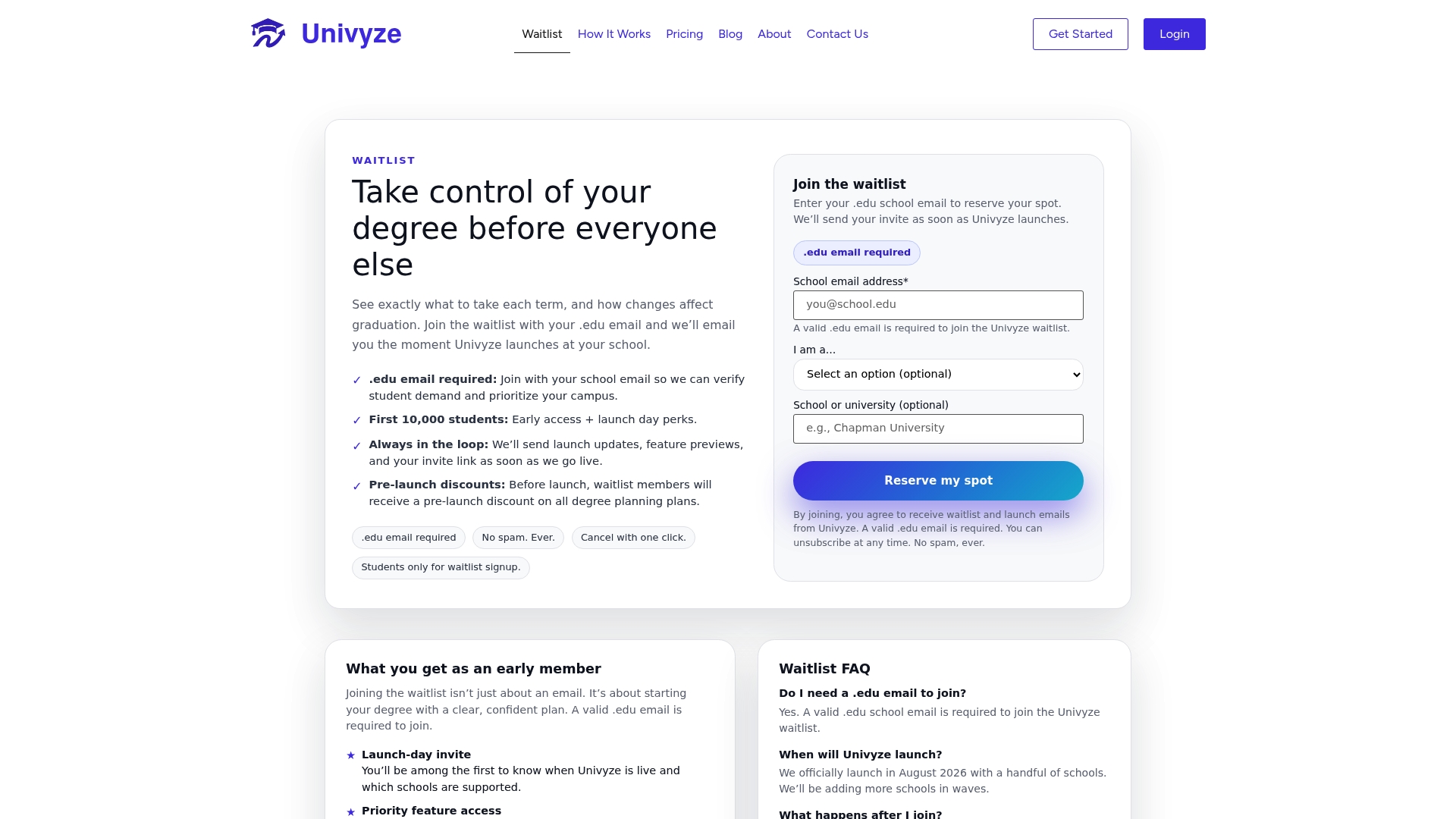
Instead of guessing whether a substitute class counts toward your major, Univyze links your degree requirements to real course offerings, so you can run a what-if scenario the moment a class fills up and see exactly how a swap or delay changes your timeline. It handles AP credit, dual enrollment, and transfer units automatically, and it gives parents a shared dashboard so everyone’s looking at the same plan instead of piecing it together from screenshots.
Plans start with a free Starter tier, with paid options like Core at $359.40 per year up through Pro at $1,199.40 per year for more advanced planning tools, all listed on the Univyze pricing page. If you want to see how term-by-term planning works before you commit, check out how Univyze works and join the Univyze waitlist to get early access. As always, confirm any registration decision with your school’s registrar or advisor first.

Registrar and Advising Pages to Check for Your School
Policies on waitlists, overrides, and deadlines vary by campus, so verify the details against your own school’s pages before acting.
- FAS Registrar’s Office – Limited Enrollment Courses
- University of Florida Registrar – Waitlist Guidance
- LSA Advising, University of Michigan – Closed Courses
Sources
- Limited Enrollment Courses | FAS Registrar’s Office
- Registration/waitlist guidance – University of Florida Registrar
- Waitlists, overrides, and getting into closed courses – LSA Advising (University of Michigan)
FAQ
Can I Still Get Into a Class That’s Full?
Yes, often through a combination of the waitlist, instructor permission numbers, and departmental overrides. None of these guarantee a seat, but joining the waitlist immediately and clearing any holds gives you the best odds, especially combined with attending the first class in person.
Is 23 Too Late to Start College?
No. Age has no bearing on your ability to register for or succeed in college courses, and many students start or return to college in their twenties and beyond. Course registration challenges, including full classes, apply the same way to every student regardless of age.
How Do I Ask a Professor to Get Into a Full Class?
Email the professor with your full name, student ID, the exact course and section number, and a short explanation of why you need the class. Clear, prepared messages that show you’ve already checked your prerequisites tend to get faster responses, and following up in person at the first class meeting often works even better.
What to Do if a Class Is Full and There’s No Waitlist?
Contact the department directly to ask about a permission number or override, since not every course offers an automated waitlist. Some limited-enrollment classes use lotteries or reserved seats instead, so your best move is to identify a solid backup section right away and use a tool like Univyze to check how it affects your degree plan while you wait on a response.