
A degree requirement checklist is an official evaluative report that shows exactly which courses and credits you have completed and what remains for graduation. Also called a degree audit, this report compares your transcript directly against your program’s requirements, covering credit totals, course categories, GPA thresholds, and residency standards. Most bachelor’s degrees require a minimum of 120 total credits, typically spread across eight semesters. Knowing how to read and use this report is one of the most practical skills you can develop as a college student.
What is a degree requirement checklist and what does it track?
A degree requirement checklist is an analytical report that maps every completed and in-progress course against your graduation requirements. It does not just count credits. It categorizes them, checks GPA minimums, and confirms you have met residency rules at your home institution.
Degree requirements are structured into four distinct levels:
- University or system-wide requirements: Minimum total credits, overall GPA (typically 2.0 or higher), and residency credit percentages completed at your home institution
- College or school requirements: Writing, quantitative reasoning, and breadth requirements specific to your academic college, such as the College of Engineering or College of Arts
- Major requirements: Core courses, upper-division units, capstone projects, and any required sequences within your declared program
- Minor or certificate requirements: Additional course sets that must be completed alongside your major without double-counting restricted credits
Degree requirements are tiered this way because each level serves a different purpose. University requirements build broad competency. Major requirements build depth. The checklist tracks all four levels simultaneously, which is why students who only count total credits often miss a gap in one specific category.
The checklist also monitors prerequisites. Technical systems flag gaps in course chains, preventing enrollment in courses you have not yet qualified for. This protects you from registering for a class you cannot complete for credit.

How do you read and use your degree audit effectively?
Digital degree audits use a color-coded system to communicate status at a glance. Green means completed, yellow means in-progress, and red flags unmet requirements. Most students scan for green and ignore the rest. That is the wrong approach.
The sections that deserve the most attention are:
- Red requirements: These are gaps you must fill before graduation. Identify them early and map them to specific future semesters.
- “Courses not used” or “not applied” sections: These often contain transfer credits or substitution approvals that are awaiting formal review. A course sitting in this section is not counting toward your degree yet.
- In-progress courses (yellow): These will shift to green only after grades post. Do not assume they are done until the semester ends and the audit updates.
- Catalog year: Your audit follows the requirements from the year you enrolled. Most audits lock to your catalog year to protect you from sudden curriculum changes, but you need to know which year applies to you.
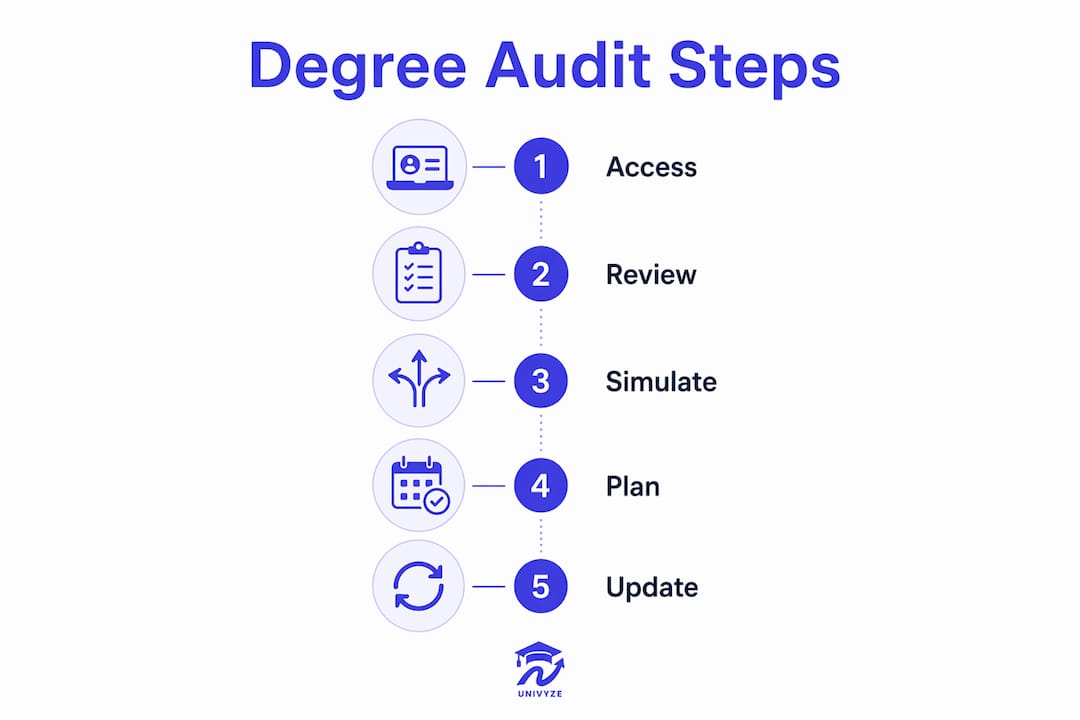
One of the most underused features in digital audits is the “what-if” scenario tool. Students can simulate a major change, add a minor, or test how a transfer course would apply, all without changing their actual record. This is the difference between treating your audit as a static report and using it as a live planning tool.
Pro Tip: Run a what-if scenario before declaring a minor. Some minors share courses with your major and add very few extra credits. Others require a full extra semester. The audit shows you this before you commit.
What are the most common degree checklist mistakes?
The single biggest mistake students make is relying on informal advice instead of the official audit. A roommate, a Reddit thread, or even a well-meaning upperclassman cannot substitute for the official record. The degree audit is the final authority the registrar uses to clear you for graduation. Nothing else counts.
Here are the most common pitfalls, ranked by how often they delay graduation:
- Ignoring transfer credit petitions. Courses in the “not used” section do not automatically count. Course substitutions and transfer credits require formal petitions approved by both your advisor and the registrar. Students who skip this step discover the problem at the worst possible time.
- Misreading catalog year requirements. If your catalog year is 2023, you follow the 2023 requirements, not the current year’s. Students who switch majors mid-degree sometimes inherit a newer catalog year with different requirements. Always confirm which catalog year applies after any major change.
- Applying for graduation too late. Graduation applications have hard deadlines set by the registrar. Missing the deadline can push your graduation date back by an entire term, even if you have completed all requirements.
- Treating the audit as a one-time check. Students who review their audit once per year miss errors that compound over time. A misapplied course or an unapproved substitution is much easier to fix in sophomore year than in senior year.
- Skipping advisor appointments. Self-service audit tools reduce advisor burden, but advisors provide context the tool cannot. They know which courses are rarely offered, which professors teach required sequences, and when petitions are likely to be approved.
Pro Tip: Set a calendar reminder at the start of every semester to open your degree audit and check for any red flags or unapplied credits. A 10-minute review each term prevents a semester-long delay later.
Knowing common graduation mistakes before they happen gives you a real advantage. Most delays are preventable when you catch them early.
How do you combine your checklist with planning tools for a full degree map?
A degree audit tells you where you stand. A degree plan tells you where you are going. These are two different documents, and you need both. The audit is backward-looking. The plan is forward-looking. Using them together creates a complete picture of your academic path.
Here is how to build that connection effectively:
- Bring your audit to every advisor meeting. Your advisor can interpret sequencing constraints, flag courses that are only offered in specific terms, and help you prioritize red requirements. The audit report’s value maximizes when reviewed with someone who knows the curriculum.
- Map remaining requirements to specific semesters. Do not just list what you need. Assign each requirement to a term based on prerequisites, course availability, and credit load. This is called a multi-year degree plan and it is the most reliable way to graduate on time.
- Account for AP, dual enrollment, and transfer credits. These credits appear in your audit but often require manual review. Confirm each one is applied correctly before building your forward plan.
- Use digital planning tools to automate updates. Manual tracking of degree requirements is error-prone, especially when managing transfers or requirement changes. Digital audits handle complexity that spreadsheets cannot.
Univyze is built specifically for this integration. It connects your degree requirements to real course offerings and builds a term-by-term schedule automatically. Students can track AP credits, dual enrollment units, and transfer credits in one place, and run what-if scenarios without touching their official record. Univyze is a planning aid, not a replacement for your official audit or your academic advisor. Always verify your requirements with your registrar and advisor.
| Feature | What it does for your planning |
|---|---|
| Term-by-term scheduling | Assigns remaining requirements to specific semesters based on prerequisites |
| What-if scenarios | Simulates major or minor changes without altering your official record |
| AP and transfer credit tracking | Shows how prior credits apply to current requirements |
| Progress visualization | Displays completed, in-progress, and remaining credits in one view |
Learning how to track graduation progress with a digital tool changes how you approach each registration period. You stop reacting and start planning.
Key Takeaways
A degree requirement checklist is the official record that determines graduation eligibility, and using it actively every semester is the most reliable way to stay on track.
| Point | Details |
|---|---|
| Definition matters | A degree audit compares your transcript to all four levels of graduation requirements simultaneously. |
| Color codes signal action | Red flags require immediate follow-up; “not applied” sections often hide transfer credits needing petitions. |
| Catalog year is fixed | Your requirements follow the catalog year you enrolled, especially important after a major change. |
| Advisors add context | Self-service audit tools work best when reviewed with an advisor who knows course sequencing. |
| Plan forward, not just backward | Pair your audit with a term-by-term degree plan to convert checklist data into a graduation roadmap. |
Why most students underuse the most powerful tool they already have
The degree audit is one of the few tools in college that is completely free, always available, and directly tied to your graduation. Most students open it once before registration and close it without acting on what they see. That is a significant missed opportunity.
I have seen students discover a missing requirement in their final semester that could have been resolved in their second year with a single petition. The audit showed the gap the entire time. The student just never looked closely enough. Treating your audit like a quest log, where every red item is a task to complete and every yellow item is a task in progress, changes how you engage with it.
The what-if scenario feature is genuinely underrated. Before you declare a second major or add a minor, run the simulation. Some combinations are far more efficient than they appear on paper. Others add a full semester you did not budget for. The audit tells you this in minutes.
Partnering with your academic advisor amplifies everything. Advisors know which courses are offered only in fall, which substitution petitions get approved quickly, and which requirements have flexibility. The audit gives you the data. Your advisor gives you the strategy. Together, they are more useful than either one alone.
The students who graduate on time, or ahead of schedule, are not necessarily the ones who took the hardest courses. They are the ones who checked their audit regularly, asked questions early, and built a real plan instead of hoping everything would work out.
— Ryan
Univyze turns your degree checklist into a real plan
Knowing what your degree audit contains is the first step. Turning that information into a semester-by-semester course plan is where most students get stuck.
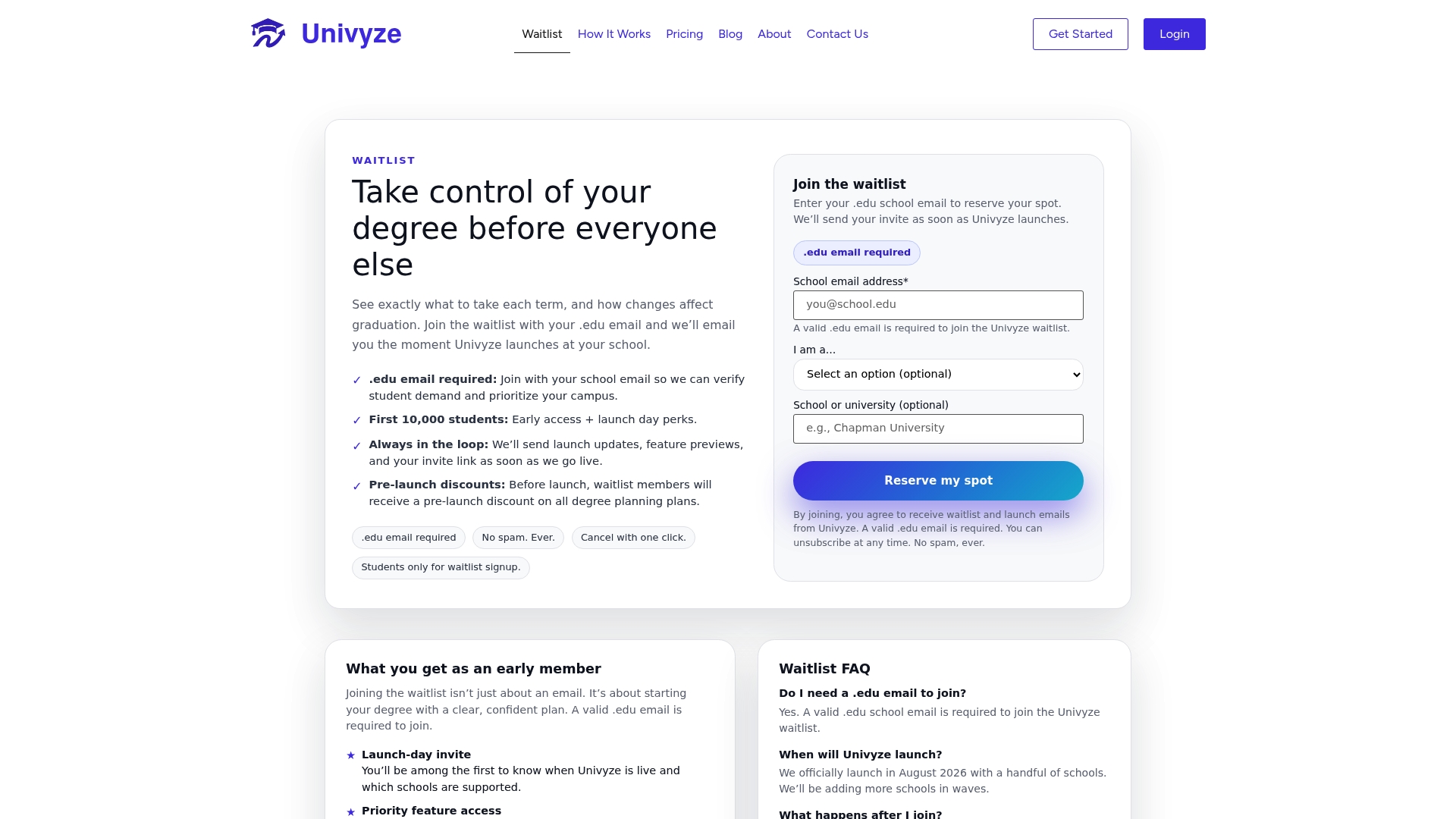
Univyze connects your degree requirements to actual course offerings and builds a term-by-term degree plan automatically. You can track AP credits, dual enrollment units, and transfer credits in one place, and run what-if scenarios before making any official changes. Univyze is a planning tool, not an official audit system. Always confirm your requirements with your registrar and academic advisor. Join the Univyze waitlist and start planning your path to graduation with a clearer picture of exactly where you stand.
FAQ
What is a degree requirement checklist?
A degree requirement checklist, also called a degree audit, is an official report that compares your completed and in-progress courses against all graduation requirements for your program. It covers credits, GPA, major coursework, general education, and residency standards.
How often should I check my degree audit?
Check your degree audit at the start of every semester and after any major change, transfer credit approval, or course substitution. Catching errors early prevents delays that are much harder to fix in your final year.
What does “courses not used” mean on my degree audit?
“Courses not used” typically means those credits are not currently counting toward any graduation requirement. Transfer credits and substitution approvals often appear here until a formal petition is reviewed and approved by your advisor and registrar.
Can I change my major using the degree audit?
You cannot change your major through the audit itself, but you can use the what-if scenario feature to simulate how a major change would affect your remaining requirements and graduation timeline before making it official.
Does my degree audit guarantee I will graduate?
No. The degree audit is a planning and tracking tool. The registrar conducts a final review before clearing you for graduation. Always verify your status directly with your registrar and academic advisor, especially in your final two semesters.