
Finding degree planning software that maps real course schedules and adapts to credit changes is time-consuming for college students and parents. Most tools either lack live course mapping or require manual entry for transfer and AP credits, creating gaps and extra work. This comparison covers features, campus support, and pricing across five degree planning platforms so college students and parents can pick one that suits their school’s needs.
Table of Contents
Univyze
At a Glance
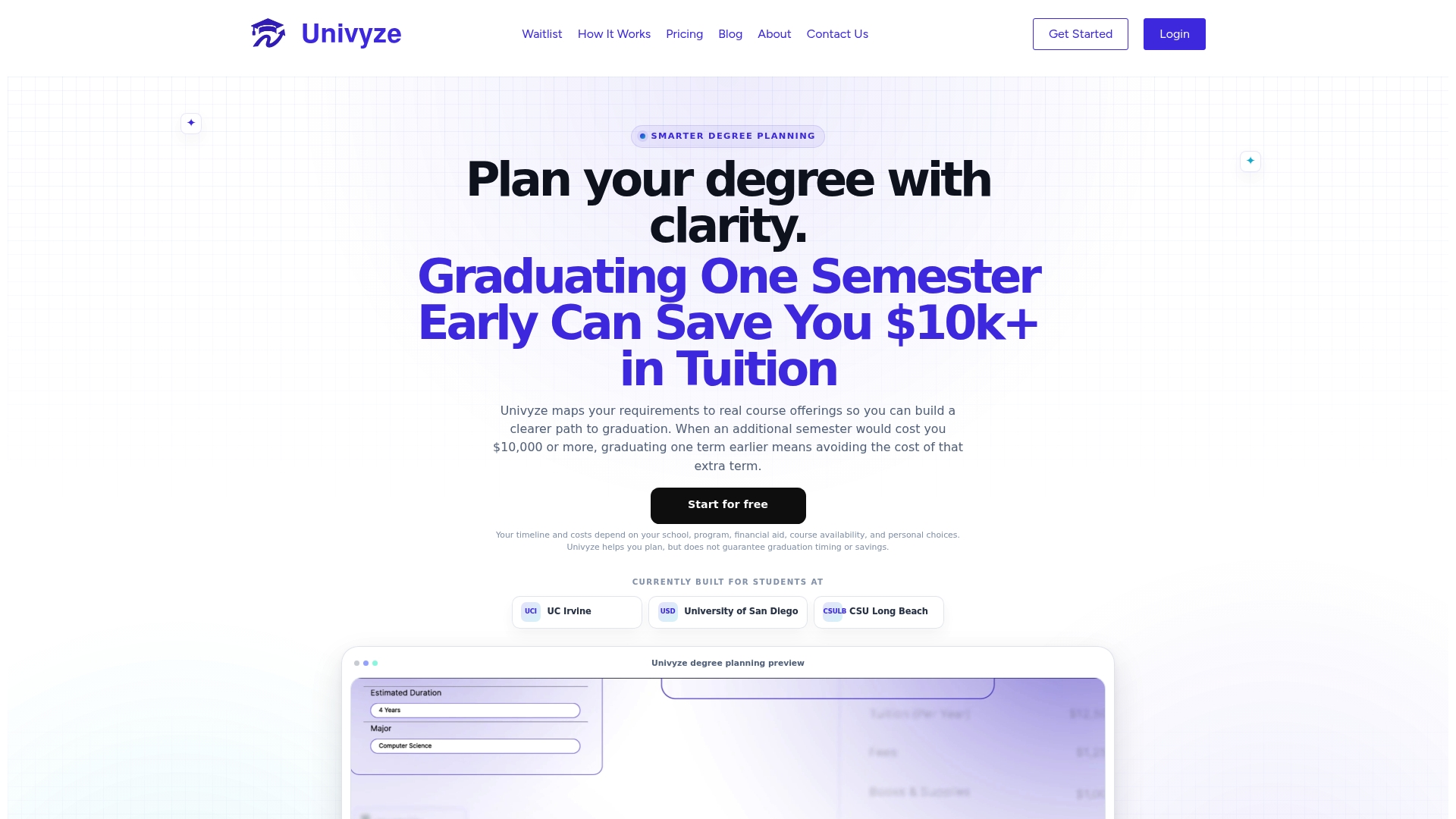
Built for students at specific universities such as UCI, USD, and CSULB. The product maps degree requirements to actual course offerings, so students can build realistic term plans. It also offers what if scenario testing for major or minor changes and tools for families and advisors to follow progress.
Core Features
Univyze combines degree requirement tracking with visual requirement fulfillment so you see which rules remain and which courses satisfy them. It pairs that with term by term planning and schedule building, plus what if scenario testing and suggestions for early graduation paths.
Key Differentiator
Customized, real time mapping of degree requirements to actual course offerings so plans reflect real sections and term schedules. That pairing helps students create plans that account for course availability and sequencing rather than theoretical requirement lists.
Pros
The vendor advertises that Univyze helps students graduate on time or even early. The visual roadmap makes gaps obvious and helps prevent duplicate or unnecessary courses. Sharing controls let families and advisors review a student plan without granting full registrar access, which simplifies check ins and planning conversations.
Cons
- Limited university support currently, mainly for select schools
Who It’s For
College students enrolled at partner campuses who need a clearer view of what remains to graduate. Parents and academic advisors who want a shared, readable roadmap will find the sharing tools useful. Students planning major or minor changes or considering summer courses get practical scenario feedback.
Unique Value Proposition
A dynamic dashboard that overlays degree rules on actual course sections and term schedules, so planning uses real offerings not just catalog language. That approach reduces the guesswork of scheduling and helps students test alternate paths quickly while keeping families and advisors in the loop.
Real World Use Case
A junior switches majors one quarter and opens Univyze to rebuild a term by term plan. They run a what if scenario to see which transfer credits apply and which courses they must add. The result shows a revised sequence that keeps credits aligned and highlights summer options to avoid an extra semester.
Pricing
Free basic tools are available for initial planning and visualization. Paid tiers unlock more comprehensive planning features, deeper scenario testing, and expanded family or advisor access according to the vendor’s pricing model.
Website: https://univyze.com
Stellic
At a Glance
Stellic reports it supports over 1 million students across universities worldwide. According to the company, it has been cited in higher education coverage for improving graduation rates and student planning efficiency. That user count and that impact claim explain why many colleges evaluate Stellic for campuswide degree planning.
Core Features
Stellic groups degree work into clear modules so advisers and students can act on the same plan. The Progress module handles degree audit and pathway visualization, while Care covers adviser notes, alerts, and appointment scheduling. The Explore tools focus on transfer rules and transcript OCR, and the platform ties these pieces together for administrative oversight.
Key Differentiator
Stellic centers on connecting students, advisers, and administrators inside one platform to coordinate degree planning and registration steps. Its product set spans front end student planning through adviser workflow and back end reporting. That unified approach aims to reduce duplicated effort across offices and give advisors a single source of truth.
Pros
Stellic supports a wide range of institutions, from large public campuses to small private colleges, which helps teams adopt similar workflows across departments. It provides features that let advisers track progress, log notes, and flag students for follow up, which can make advising conversations more productive. The platform also manages transfer rules and automates parts of transcript review, helping registrars and transfer offices reduce manual checks.
Cons
- Public reviews are limited, so independent user feedback is harder to find.
- Implementation time and ease will vary by institution size and existing systems.
- Limited public detail about onboarding and customization options.
Who It’s For
Campus leaders and advising offices at colleges that want a single system for degree audits, advising notes, and transfer management will find this product relevant. It fits institutions seeking coordinated processes across advising, registration, and reporting. IT teams responsible for campus system integration should be involved before committing.
Real World Use Case
A university uses Stellic to publish degree pathways to students, run automated degree audits, and let advisers annotate student plans. Advisors schedule appointments inside the platform and trigger alerts when a student falls off plan. Registrar staff use the transfer features to apply transcript rules and reduce manual credit evaluations.
Pricing
Stellic lists pricing as not applicable in public materials and presents product information for institutions on request. Contact the vendor for institution-level pricing and licensing details. Pricing structures are not publicly listed.
Website: https://stellic.com
Declare
At a Glance
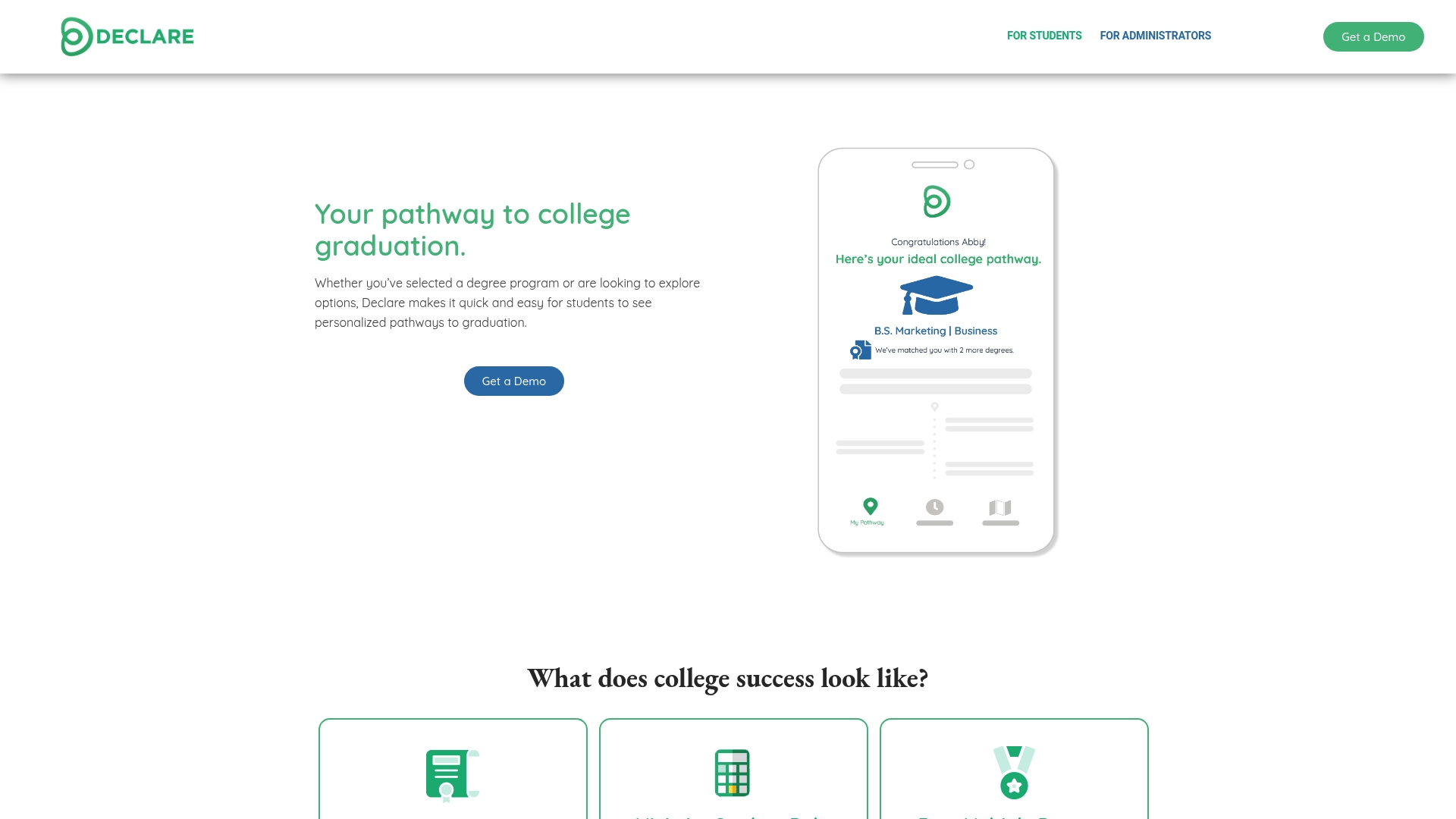
Declare reveals hidden degree opportunities through dynamic pathway visualization, making unexpected multi degree or certificate routes visible to students. The system emphasizes personalized pathway planning that adapts as students change majors or bring in transfer and AP credit. That visibility helps advisors spot scheduling and demand patterns earlier.
Core Features
Declare offers personalized degree pathway visualization that maps requirements to a term by term plan. It tracks course requirements and progress so students and advisors can aim for on time graduation while weighing cost saving choices. Administrators get a data analytics dashboard for course trends and demand forecasting that informs advising and capacity decisions.
Key Differentiator
Declare stands out for its ability to reveal degree options students might miss. The platform uses dynamic visualization to surface alternative majors, double degree paths, and certificate pairings as students explore what if scenarios. That emphasis on uncovering hidden opportunities makes degree planning more exploratory and discovery driven.
Pros
The interface reads cleanly for students and advisors, which lowers the training curve and speeds adoption. Declare provides real time updates on degree options and course planning so plans reflect current catalog and student status. Universities gain data they can use to prioritize course offerings and focus advising resources where demand appears to be growing.
Cons
- Limited public detail on specific integrations or automation capabilities. This makes it hard to assess SIS or catalog syncing without vendor conversations.
- Several capabilities read as advisory rather than fully automated, so some manual setup or advisor oversight may still be required.
- Pricing is not publicly specified, which suggests institution level contracting rather than an off the shelf student subscription.
When It May Not Fit
Declare targets academic institutions and enrolled students. It may not suit individual career coaches, non educational programs, or small training providers that need a lightweight, consumer oriented planning tool.
Who It’s For
Declare fits university administrators who need course demand insights and academic advisors who want a visual way to show students alternate paths. It also fits students who want to explore multi degree and certificate options with clearer cost and time implications. If you need a system that ties degree requirements to live course schedules, Univyze focuses on that connection.
Real World Use Case
A university partners with Declare to onboard incoming cohorts and map first year plans. Advisors use the visualization to show students alternate major pairings and the likely course sequence. Administrators review the analytics dashboard to predict demand and adjust sections before enrollment closes.
Pricing
Pricing is not publicly specified. The vendor appears to work with institutions on licensing and custom contracts rather than offering a consumer price list. Prospective buyers should request a demo and a quote for campus wide deployment.
Website: https://getdeclared.com
StudyPlanner
At a Glance
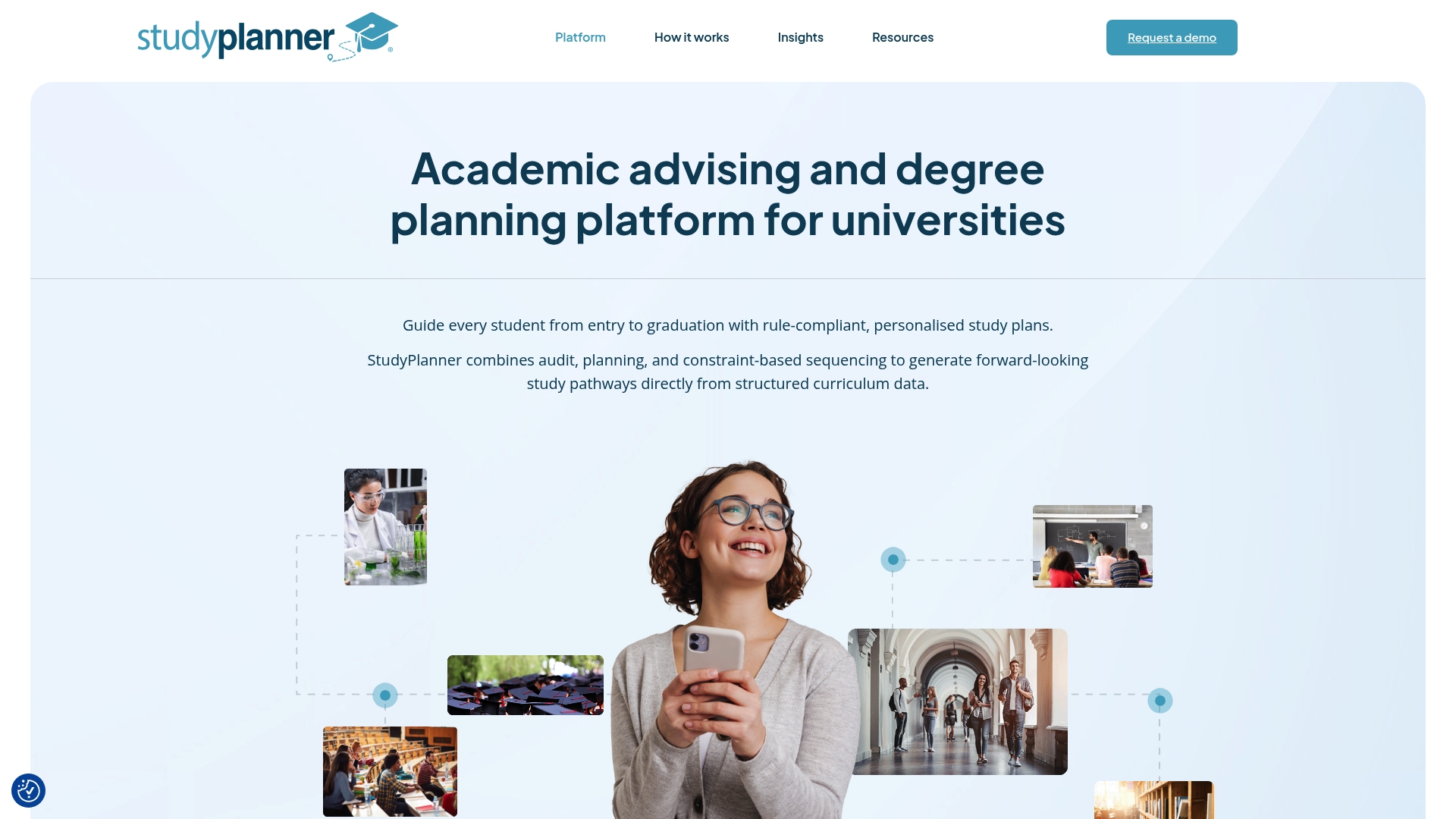
A constraint based sequencing engine generates adaptable multi term study plans directly from high fidelity curriculum data. The platform also offers real time validation and a mobile friendly program explorer for students and advisors. According to the company, StudyPlanner aims to improve student outcomes and reduce advising workload through scenario testing and visual plans.
Core Features
StudyPlanner creates personalized multi term plans using rule driven sequencing and checks prerequisites and anti requisites as you build a plan. Advisors get tools to create, manage, and audit student progress while a subject selection wizard guides major and minor choices. The platform supports scenario modeling and plan adaptation as conditions change, and it exposes program options across desktop and mobile.
Key Differentiator
StudyPlanner stands out by generating forward-looking, adaptable study plans directly from high fidelity curriculum data. That constraint based engine enforces program rules while exploring future terms and schedule constraints. The approach keeps plans valid as requirements or student progress change and reduces manual rule checking for advisors.
Pros
The interface presents complex curricula visually, which helps advisors and students see term by term progress. Automatic plan updates keep schedules valid when a student changes courses or when rules change, which lowers the need for manual fixes. Tools for advisors support managing multiple student plans and auditing degree requirements. The platform also accepts structured curriculum imports, so institutions that maintain clean curriculum data can plug in their system.
Cons
-
Limited public third party reviews, which makes independent satisfaction hard to verify.
-
Implementation can be complex for institutions with highly customized curricula or ad hoc rules.
-
Accuracy depends on high quality structured curriculum data from the institution.
When It May Not Fit
StudyPlanner is a poor match if your institution cannot supply structured curriculum data. Large amounts of manual rule exceptions increase setup time and may require custom work. Small colleges with lightweight advising needs may find the feature set heavier than necessary. Schools that need an out of the box consumer style planner without integration work should look elsewhere.
Who It’s For
Large universities with complex degree rules and dedicated advising staff will get the most value. Academic advising offices that need rule driven plan generation and audit tools will find the advisor features useful. Institutions planning serious curriculum integration projects and data cleanup will unlock the platform’s strengths.
Real World Use Case
An Australian university used StudyPlanner to automate degree pathway creation and reduce manual validation tasks for advisors. The platform generated compliant multi term plans from the campus curriculum system and let advisors test what if scenarios. Students used the mobile friendly explorer to compare majors and build a validated study plan.
Pricing
The vendor lists pricing as not applicable and informational only. Contact StudyPlanner for licensing details, implementation costs, and any required integration fees.
Website: https://studyplanner.com.au
Ardvarq
At a Glance
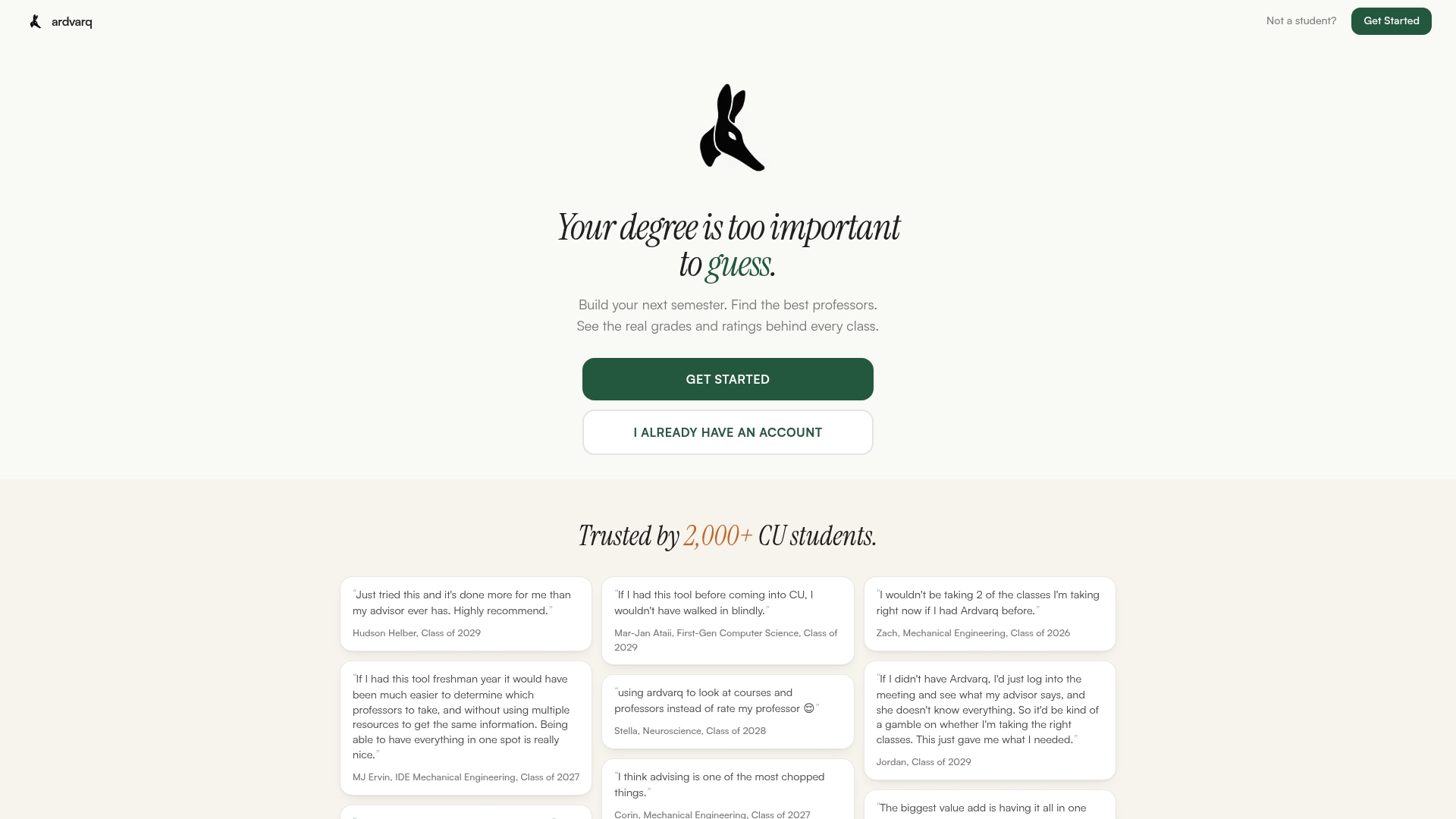
Ardvarq reports more than 2,000 students use the platform, and it was developed at CU Boulder to support course choice and semester planning. The tool emphasizes privacy and avoids predictive risk scoring while centralizing course data and advisor-style planning. That combination targets clearer, faster decisions before registration.
Core Features
Ardvarq bundles AI semester planning with degree audit analysis and course recommendations so you can test sequences and see requirement coverage in one place. It checks prerequisites and validates schedules against official course data, and it presents scenario-based alternatives when conflicts or missing requirements appear. The feature set focuses on term-by-term planning rather than replacing human advisors.
Key Differentiator
The single standout is deep university data integration combined with AI-driven scenario analysis and personalized planning in the same interface. That mix lets students compare realistic schedule alternatives based on catalog rules, instructor patterns, and prerequisite chains. It reads like a planning workspace built around how departments actually publish requirements.
Pros
Ardvarq helps students discover courses and resources they might miss on their own by surfacing departmental electives and instructor patterns. It builds detailed, personalized semester plans and runs prerequisite checks automatically so you can confirm eligibility before registration. The platform reduces routine advising load by handling scenario analysis, and its privacy stance limits predictive risk scoring while keeping student data focused on planning.
Cons
- Limited to CU Boulder in the current version, so students at other schools will need an adapted implementation.
- Requires a purchase each semester, which may be a barrier for students on tight budgets.
- AI features are usage based and may incur extra costs if you exceed the included allotment.
When It May Not Fit
If you attend a different university, Ardvarq will likely need institutional integration before it becomes useful. Students who require full advising and human approval workflows will find the product focused on planning rather than formal degree certification. Those who cannot or will not pay per term should consider free campus advising tools instead.
Who It’s For
CU Boulder undergraduates who want a hands-on semester planner and clearer course exploration will get the most value. Academic advisors seeking to offload routine plan drafting for students may also find it helpful. Students combining AP credit, transfer credit, or multiple majors will appreciate the scenario testing it provides.
Real World Use Case
A junior uses Ardvarq to plan next semester by loading current credit, testing alternate elective choices, and confirming prerequisites for a sequence. The student spots a scheduling conflict, swaps to an equivalent course, and saves the plan before registration. That workflow reduces guesswork and shortens the time spent with an advisor.
Pricing
Access for Fall 2026 is a one-time payment of $30, which includes an AI usage allotment. Optional AI top-ups cost $10 each.
Website: https://ardvarq.com
Comparison of alternatives
Competitor eligibility:
- Excluded products (discontinued / inaccessible / under construction): None
- Usable competitors remaining: Stellic, Declare, StudyPlanner, Ardvarq
Intro pre-write:
- Does univyze.com clearly outpace every usable competitor on a single dimension? YES
- If YES: dimension where univyze.com wins — Integration of term schedules with degree requirements for real-time planning and accurate course alignment.
- First sentence draft: Students seeking a dynamic planning tool that tightly couples degree requirements with active course offerings will find Univyze excels compared to competitors.
Competitor win pre-write:
- Which competitor wins which dimension: Declare wins the exploratory planning dimension by enabling discovery of alternative pathways and less visible certificates.
- Does this dimension matter to the primary reader? YES
Best Fit uniqueness check:
- List each bullet scenario in one clause: Partner campus students seeking aligned course offerings / Institutions preferring unified advising and system integration / Organizations focusing on exploratory pathways / Universities seeking rule-driven multi-term planning
- Can any two be swapped without changing meaning? NO
Our Pick pre-write:
- The ONE capability unique to univyze.com in this set: Real-time overlay of degree requirements with active course schedules.
- Evidence from the reviews: “Customized, real-time mapping of degree requirements to actual course offerings so plans reflect real sections and term schedules.”
- Closing sentence draft: Univyze stands out for its ability to dynamically align students’ academic progress with live course options to ensure practical scheduling.
- Substitution test: Declared alternative: “Declare stands out for its ability to dynamically align students’ academic progress with live course options to ensure practical scheduling.” Does the substituted version still work as a recommendation? NO
- If YES: rewritten closing sentence: None
Comparison of alternatives
Students seeking a dynamic planning tool that tightly couples degree requirements with active course offerings will find Univyze excels compared to competitors. Its integration of live term-specific course data provides planning accuracy for enrolled students at partner universities. Yet, depending on unique needs, other platforms may have advantages in specific areas.
Where exploratory features shine
Declare excels in offering exploratory capabilities where alternative academic opportunities, such as dual-degree paths or certifications, can be revealed dynamically. This discovery-centric approach benefits students aiming to identify educational combinations previously unconsidered. Institutions prioritizing advising for diverse academic routes over strict term-to-term planning gain significant value here.
Unique rule-driven planning
StudyPlanner delivers standout multi-term rule-driven planning by leveraging constraint-based evaluation. This engine ensures academic compliance and adapts plans based on ongoing changes or updates. It’s ideal for university systems with detailed curricula and structured requirements, offering practical utility despite higher complexity.
Best fit
- College students attending partner universities who want to ensure their planning incorporates live course availability will benefit from Univyze.
- Institutions requiring unified advising, degree audit, and progress tracking systems should consider Stellic as their integrated solution.
- Those aiming for exploratory academic pathways or certifications gain value using Declare.
- Universities with intricate course sequencing rules requiring validation may lean toward StudyPlanner.
Our pick
Univyze emerges as the leading platform for students attending partner universities who need accurate, live integrations between degree requirements and available courses. Its focus on practical term-to-term planning ensures users make informed enrollment decisions efficiently. However, institutions emphasizing exploratory planning or broader advising workflows might find Stellic or Declare more suitable.
Here is a comparison table of degree planning tools focused on integration with academic systems and student planning resources.
| Product | Core Feature | Key Differentiator | Target Audience | Pricing | Notable Limitation |
|---|---|---|---|---|---|
| Univyze | Degree requirement tracking and term-by-term planning | Real-time mapping to actual course offerings | Students at supported partner universities | Free basic tools; paid tiers available | Limited to select partner universities |
| Stellic | Comprehensive degree audits, advisor tools, and transfer features | Unified platform for students, advisors, and administrators | Colleges needing cross-departmental process coordination | Price not published | Limited public detail about onboarding |
| Declare | Dynamic and personalized degree pathway visualization | Highlights hidden multi-degree or certificate options | University administrators, academic advisors, students | Price not published | Limited information on integration options |
| StudyPlanner | Rule-driven term planning with real-time validation | High-fidelity curriculum data integration | Large universities with structured degree rules | Price not published | Requires high-quality structured curriculum |
| Ardvarq | AI-assisted semester planning and degree analysis | Focused integration with deep course and prerequisite rules | CU Boulder students and academic advisors | $30 per semester; $10 per additional AI use | Limited to CU Boulder currently |
How Can Students Avoid Extra Semesters With Clearer Degree Planning?
Univyze helps students at partner universities visualize degree requirements alongside actual course offerings. This clarity solves the common problem of unclear degree planning that often leads to costly extra semesters. Students can build term-by-term plans, test what-if scenarios for major or minor changes, and track progress with simple tools designed for easy use.
Key benefits include:
- Automatic sequencing that respects course availability
- Integration of AP credit, transfer credit, and summer course options
- Shared access for parents and advisors to support progress checks
Get a clearer view of your academic path and avoid unnecessary tuition or living expenses. Learn how Univyze connects degree rules to real schedules at Univyze waitlist.
Join the waitlist and refine your term plans now.
See how Univyze simplifies planning for UCI, CSULB, and more.
FAQ
How does Univyze assist with term-by-term planning?
Univyze simplifies term-by-term planning by mapping degree requirements to actual course offerings. It combines degree requirement tracking with visual requirement fulfillment, making it easy for students to see gaps and plan accordingly. Students can use Univyze to create realistic term plans that account for their course load and scheduling needs.
What is the strength of Declare compared to Univyze?
Declare excels in revealing hidden degree opportunities through dynamic pathway visualization, which helps students identify potential alternative majors and certificate options. In contrast, Univyze focuses on term-by-term planning and clearer progress tracking, offering a streamlined approach primarily for students aiming to meet current degree requirements.
Which platform offers better support for what-if scenarios?
Univyze stands out for its what-if scenario testing, which allows students to see the impacts of changing their major or minor on their degree plan. This feature helps clarify options and make informed decisions about course selection, ultimately providing clearer insights into future paths for students.
Can Ardvarq help students at universities other than CU Boulder?
Ardvarq is currently limited to CU Boulder, making it unsuitable for students at other institutions without adaptations. Univyze, on the other hand, is designed for various universities and provides a flexible solution for students seeking to plan their degrees across multiple campuses.
How does Univyze support AP credit and dual enrollment?
Univyze automatically integrates AP credits and dual enrollment courses into its planning tools, which helps students maximize their academic credit. This capability allows students to build a more efficient path to graduation by aligning their earned credits with degree requirements.