
Finding degree planning software that maps real course options and adapts to schedule changes is harder than most college students expect. Many platforms depend on static catalogs or sample schedules, which miss campus-specific prerequisites, conflicts, and electives. This comparison covers five alternatives so students, families, and advisors can match planning features to their university requirements.
Table of Contents
Univyze

At a Glance
Available at select universities including UC Irvine, University of San Diego, and CSU Long Beach. The platform shows a visual dashboard that links degree requirements to actual course offerings so you can see remaining requirements and possible schedules. It also supports what if scenarios and early graduation pathway suggestions to test different credit plans.
Core Features
Degree requirement tracking and visualization maps program rules to a clear progress view, highlighting unmet requirements and electives. The planner uses a drag and drop term by term scheduler that builds realistic semester plans around your personal commitments. Scenario testing covers major and minor changes, study abroad options, and early graduation pathway suggestions tied to course sequencing.
Key Differentiator
Univyze connects degree rules with live course availability to create personalized visual roadmaps. That connection reduces common planning errors caused by planning against outdated catalogs or generic sample schedules. The live link to course offerings helps you spot conflicts and prerequisites before you commit. Parents and advisors can view the same roadmap to match expectations.
Pros
Univyze helps students and families visualize an academic path and adapt it when life changes affect course choices. The company says its early graduation pathways can save students thousands in tuition. Integrating real course offerings with requirement tracking keeps plans grounded in what the registrar actually lists.
Cons
- Limited current university support. Univyze is available only at specific partner schools right now.
Who It’s For
Undergraduate students at partner universities who want a practical, adaptable plan to graduate on time or earlier. Families who want a shared view of progress will find the dashboard useful for conversations. Academic advisors can use exported plans to review student options, while still relying on official audits.
Unique Value Proposition
The drag and drop term by term planner plus scenario testing makes it fast to compare schedules and credit paths for different majors or study abroad plans. That workflow turns hypotheses about extra credits or summer courses into concrete semester plans you can evaluate. Univyze is a planning tool, not an official degree audit or a replacement for your academic advisor. Use it to prepare for advisor meetings and registrar checks.
Real World Use Case
A UC Irvine student loads their remaining requirements, drags courses into spring and summer terms, and tests several major and minor combinations. They identify a combination that trims one semester from their projected graduation timeline. The student shares the plan with parents and then reviews it with an advisor, demonstrating the tuition savings claim while depending on actual course availability and advisor approval.
Pricing
Basic tools are free. Paid plans start at $29.95/month, with single payments available up to $2,895 for full features. The vendor advertises discounted annual options and early access perks for some packages.
Website: https://univyze.com
StudyPlanner
At a Glance
The platform centers on a constraint-based sequencing engine that dynamically updates study plans as conditions change. This behavior-driven planner recalculates course sequences when prerequisites, completed credit, or timetable conflicts shift. That dynamic update model helps institutions keep plans compliant while letting students explore alternatives.
Core Features
The product offers a program explorer, a subject selection wizard, and a requisite checker that work together to guide course choices. Requirements auditing and a smart sequencing engine enforce program rules and generate term-by-term plans. Plan management with version control lets advisors save and compare alternate pathways.
Key Differentiator
StudyPlanner’s standout capability is the constraint-based sequencing engine, which applies curriculum rules to plan generation. That engine recalculates schedules in real time as student progress or program rules change. The result is live validation tied to structured curriculum data.
Pros
StudyPlanner automates personalized, forward-looking study plans so advisors spend less time on manual checks. Real-time validation prevents common rule violations by catching prerequisite or anti-requisite conflicts during planning. The platform uses structured curriculum data and visualization tools to help advisors and students review multiple scenario options and preserve plan versions.
Cons
- No pricing details or user limits are listed on the vendor site.
- Specific integration capabilities with campus systems are not described.
- The product targets institutional deployments and is not aimed at solo students.
When It May Not Fit
If you are an independent student looking for a consumer app, this tool will not fit. Institutions needing deep ERP or student information system integrations should confirm those capabilities first. Small colleges without central curriculum data resources may face extra implementation work.
Who It’s For
Higher education institutions that want rule driven degree planning and advisor workflow support will find this relevant. Academic advising teams that need version control and rapid plan validation will get more value. IT teams should be prepared to map curriculum data into the system.
Real World Use Case
A university imports program requirements and uses StudyPlanner to auto generate multi term degree plans for incoming cohorts. Advisors refine plans, then students run alternative scenarios to compare elective choices. The engine flags any prerequisite issues immediately so advisers can adjust plans before enrollment.
Pricing
The vendor lists pricing as not applicable and informational only. Procurement teams must contact StudyPlanner for tailored pricing based on scale and integration scope. No public per seat or tiered figures are published.
Website: https://studyplanner.com.au
Declare
At a Glance
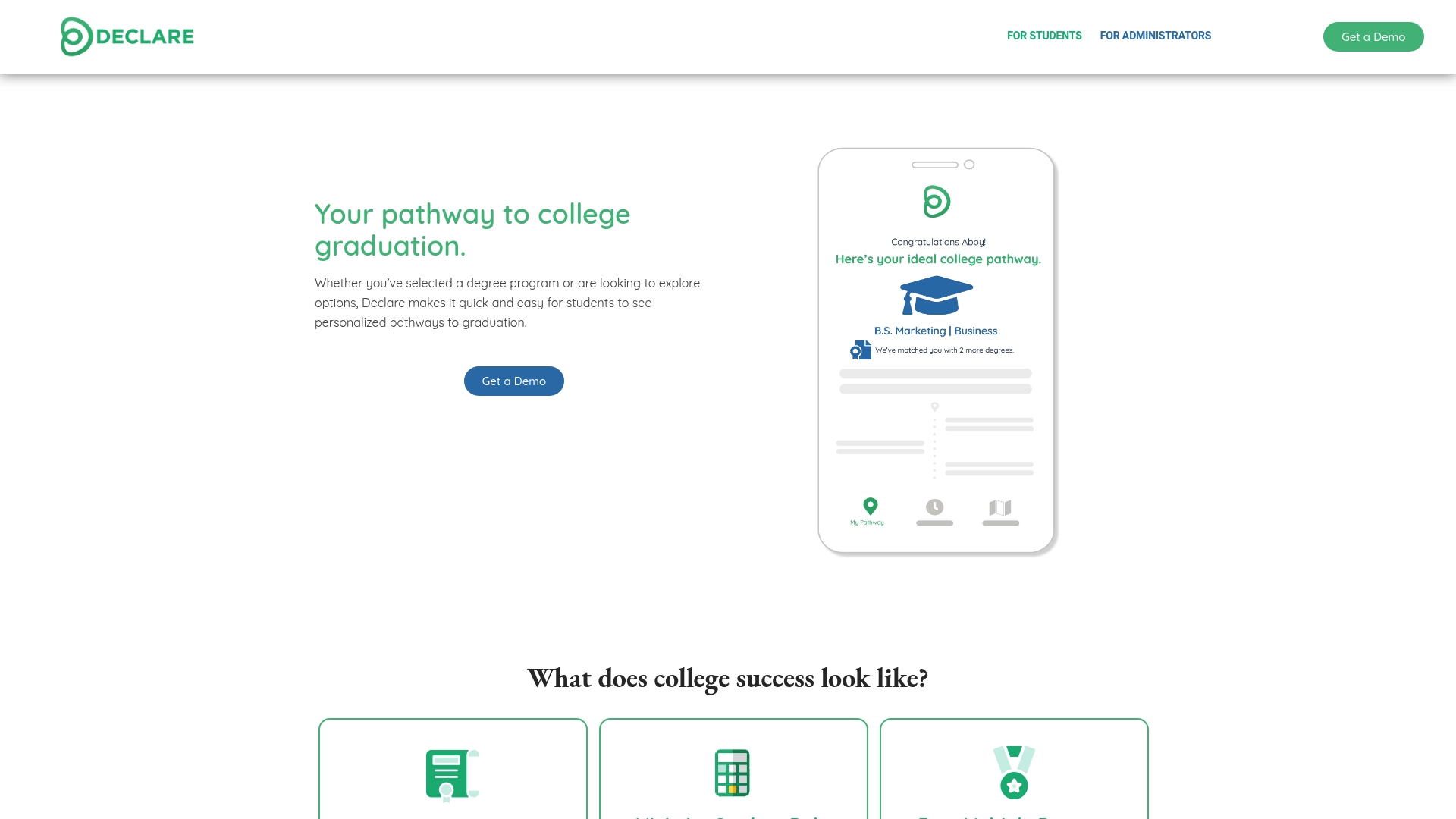
A virtual advisor surfaces hidden degree opportunities and maps personalized graduation pathways for individual students. The tool also gives administrators a live view of course demand and completion progress. That pairing of student-facing planning and admin analytics aims to reduce extra semesters and help students choose courses with clearer consequences.
Core Features
Declare combines personalized degree pathway visualization with course planning and completion tracking so students can see term-by-term plans. The platform includes a data analysis dashboard for administrators that highlights trending courses and enrollment gaps, and a set of student engagement tools to support decision making. A virtual advising assistant suggests alternate paths and uncovers options such as minors or on-time completion scenarios.
Key Differentiator
Declare centers on real-time pathway visualization that links a student view to administrative analytics. This combination lets advisors and staff move from a static degree checklist to a dynamic map of who will need which courses and when. That shared visibility shortens the feedback loop between student planning and institutional resource decisions.
Pros
Declare helps students create clear, term-by-term plans so they understand what remains to graduate. It supports exploration of multiple majors and minors, which helps students compare trade-offs before changing programs. Administrators gain a data dashboard they can use to spot course bottlenecks and adjust advising or scheduling priorities.
Cons
-
Limited integration details. The product description does not list specific third-party systems or automation features, which may complicate connecting with institutional records.
-
Few independent reviews. Public third-party feedback is not available in the provided content, making it harder to assess real-world user experience.
-
Success depends on data quality and engagement. Declare requires accurate records and active participation from students and staff to deliver useful recommendations.
When It May Not Fit
If your campus cannot commit staff time to keep enrollment and transfer records current, Declare will offer limited value. Institutions that require tight integrations with custom SIS workflows should verify connector availability before committing. Campuses seeking a standalone campus-wide degree audit replacement rather than a planning and advising layer may find Declare narrower than expected.
Who It’s For
Declare fits college students who want guided, visual plans to finish their degree on time and explore alternatives such as minors. It also fits advisors and administrators who need live data on course demand and degree progress to prioritize outreach. Smaller offices that can maintain accurate records will get the most consistent results.
Real World Use Case
An incoming cohort receives individualized maps that show required courses by term and elective options for timely completion. Advisors use the admin dashboard to flag students whose plans place them at risk of extra terms and then schedule targeted conversations. Registrars consult the course demand reports when deciding whether to add sections the following term.
Pricing
Not applicable. The product listing describes Declare as informational only and does not publish pricing tiers. Institutions should contact Declare directly for licensing and deployment details.
Website: https://getdeclared.com
PlanitUni

At a Glance
PlanitUni lists an estimated launch year of 2026 and a free to start plan. The product pairs course scheduling, degree tracking, pregrade assignment submission, and a career center in one workspace. That mix targets students who want planning and career help in the same app.
Core Features
PlanitUni offers AI powered course scheduling and degree tracking that map requirements to term schedules. The study portal includes practice tests, flashcards, and study guides tied to course plans. An AI academic advisor provides personalized course and study recommendations while the career center connects students to internships and alumni.
Key Differentiator
PlanitUni combines course scheduling, degree tracking, pregrade assignment feedback, and career resources with AI assistance. Its blend of scheduling, degree tracking, assignment pregrading, and career tools with AI assistance is the primary distinction, so that combination narrows its appeal to students who prefer one integrated workspace. This makes planning, study, and internship work visible in a single student view.
Pros
PlanitUni groups planning and career workflows in one place, which reduces the number of separate apps students must check. The AI recommendations aim to tailor course choices and study plans to a student profile. Starting for free lowers the barrier to try the product, and the interface is reported to be easy to set up and use. The platform supports degree tracking and career planning together, so students can align academic progress with internship search activity.
Cons
- Limited pricing detail: The vendor lists a free to start model but gives little public detail about premium feature costs.
- No university affiliation: PlanitUni is independent, which may limit direct integration with campus degree audits or registrar systems.
- AI dependence: The product relies on AI recommendations that may sometimes be inaccurate.
- Mobile and offline unclear: The company does not list mobile app availability or offline access clearly.
When It May Not Fit
Students who require official registrar integration or a university linked audit will find PlanitUni restrictive. Families expecting campus-backed advising may prefer tools that connect directly to a college. Students who need guaranteed offline access or a dedicated mobile app should verify those capabilities before committing.
Who It’s For
College students who want an all in one AI powered platform for course planning and early career steps will find this suited to their needs. Parents who want a single dashboard to watch progress will appreciate the combined degree and career features. Students who prefer university integrated audits should look elsewhere.
Real World Use Case
A computer science student uses PlanitUni to map major requirements across eight terms, receive study suggestions for a tough algorithms class, and surface alumni contacts for internships. The student submits assignments for pregrade feedback to estimate performance and then adjusts the term plan. That workflow keeps course choices, study tasks, and internship outreach in one place.
Pricing
PlanitUni is free to start. The vendor notes potential premium features but lists no public pricing tiers or charges for advanced services.
Website: https://planituni.com
Coursedog
At a Glance
Coursedog reports it has helped over 400 campuses manage academic workflows. The product combines scheduling, curriculum, catalogs, assessment, and analytics in one interface. That breadth targets fewer scheduling conflicts and less manual work for campus staff.
Core Features
Coursedog unifies scheduling, curriculum management, course catalogs, assessment, and event scheduling into a single operational workflow. It links curriculum to labor market data and supports faculty workload planning while syncing with SIS and LMS systems. Embedded intelligence delivers real time analytics and automation to reduce manual edits and speed approvals.
Key Differentiator
Coursedog emphasizes broad operational coverage tied to deep SIS connections. That focus makes it a central system for scheduling, catalog updates, and assessment workflows across departments. The platform also centralizes approvals to cut duplicate data entry and speed institutional processes.
Pros
Coursedog reduces manual work across departments by combining multiple academic operations in one product. Configurable workflows, templates, and forms let staff model local business rules without code. Strong connectors to student information systems and embedded analytics support faster decisions and clearer reporting.
Cons
- Implementation can require significant staff and IT time for larger, complex institutions.
- New users report a learning curve because the product covers many separate workflows.
- Automation and integration value depends on correct initial configuration and ongoing maintenance.
When It May Not Fit
Institutions with minimal centralized scheduling needs will find the platform heavier than necessary. Smaller colleges without dedicated IT resources may struggle during initial setup and customization. Departments seeking a simple, single-purpose scheduler rather than an all-in-one operations tool should look elsewhere.
Notable Integrations
- Anthology
- Ellucian Banner
- Ellucian Colleague
- Ellucian DegreeWorks
- Ellucian Ethos
- Ellucian Powercampus
- Jenzabar
- Oracle PeopleSoft’,‘Workday Student’,‘Gmail’,‘Google Calendar’,‘Stripe’,‘TouchNet’,‘Transact Campus’,‘Crestron’,‘HVAC Systems’], … ,
Who It’s For
Higher education institutions that need to centralize and automate academic operations will get the most value. The product fits medium and large campuses that run multidepartment scheduling, catalog management, and assessment processes. IT teams planning an integrated SIS rollout will appreciate the platform’s connector focus.
Real World Use Case
Coursedog’s marketing materials state Northern Arizona University reduced scheduling conflicts by 60%. That claim points to measurable conflict reduction when scheduling, rooms, and approvals are managed centrally. The vendor reports Wilkes University eliminated 85% of double-bookings, and according to the company, Lehigh Carbon Community College saved over 580 hours annually by streamlining curriculum tasks.
Pricing
Not specified. Pricing appears to follow a custom enterprise model with quotes based on institution size and integration scope.
Website: https://coursedog.com
Comparison of alternatives
Choosing the best degree planning tool requires careful consideration of features and suitability based on individual circumstances. Each platform in our review offers distinct benefits that align with different user requirements, making direct comparisons insightful.
Key differentiation in integration capabilities
Coursedog stands out for its deep integration with Student Information Systems (SIS) and Learning Management Systems (LMS). This functionality is a critical asset for institutions needing streamlined workflows between scheduling, curriculum planning, and administrative operations. By contrast, Univyze focuses directly on enriching the student experience through its interactive, course-linked degree planning dashboards.
Usability and visualization features
Univyze excels in providing a user-friendly interface with live connections to course offerings, which allows students to adapt their academic pathways dynamically. This is partially matched by Declare, whose solution incorporates administrator dashboards; however, the latter lacks a specific real-time scheduling feature tied directly to campus course availability, which students may find.
Best fit
- Students at participating universities who prioritize dynamic, course-driven planning will enjoy Univyze’s live progress tracking and interactive roadmaps.
- For institutions needing extensive administrative capability combined with educational planning, Coursedog integrates these functions comprehensively.
- Declare offers a balance between user-focused pathway visualization and institutional analytics, ideal for campuses ensuring course demand alignment.
Our pick
Univyze is the preferred choice for students attending supported universities, offering unique visualization tools and live course connections that aid comprehensively in academic planning. However, institutions requiring enhanced SIS integration or purely administrative capabilities might find Coursedog or StudyPlanner more aligned to their functional requirements.
Degree planning software can greatly aid students in visualizing and optimizing their academic path, especially when integrated with real-time data and personalized features.
| Product | Key Differentiator | Best For | Pricing | Notable Limitation |
|---|---|---|---|---|
| Univyze | Visual roadmaps linked to course data | Undergraduate students at partner universities | $29.95/month, $2,895/lifetime | Limited to specific partner universities |
| StudyPlanner | Constraint-based sequencing engine | Institutions requiring program compliance | Price not published | Designed for institutional deployment, not individual use |
| Declare | Personalized graduation pathways | Colleges focusing on data-integrated advising | Price not published | Requires accurate and current administrative data |
| PlanitUni | Career integration with course planning | Students seeking comprehensive platforms | Free tier available; premium features not listed | Limited university integration and offline features |
| Coursedog | Centralized academic operations | Medium to large institutions centralizing workflows | Price not published | High setup and customization effort required |
Finding a Degree Planning Tool That Fits Your Needs
Univyze solves the common challenge of unclear degree planning that causes costly extra semesters for college students. It offers a dynamic dashboard connecting degree requirements with live course offerings so students can see what remains, test different credit plans, and schedule realistically around personal commitments. This makes adapting to major changes or transfer credits easier while giving parents clear insight into academic progress.
Univyze features include:
- Automatic term-by-term planning
- What-if scenarios for majors and minors
- Support for AP, dual enrollment, and summer credits
Join the waitlist at Univyze to visualize your academic path and build smarter schedules today.
Learn more about Univyze’s approach and see how clear degree planning helps reduce risks of extra tuition and delays.
FAQ
How does Univyze help with degree planning?
Univyze provides a visual dashboard that connects degree requirements with actual course offerings. This feature helps students see their remaining requirements and possible schedules, making it easier to plan their academic path.
What is the difference between Univyze and StudyPlanner?
StudyPlanner features a constraint-based sequencing engine that dynamically updates study plans as conditions change. Univyze, on the other hand, focuses on a user-friendly drag-and-drop planner that supports scenario testing for major changes and summer courses, making it ideal for students looking for straightforward term-by-term planning.
Which platform offers early graduation pathways?
Univyze includes early graduation pathway suggestions tied to actual course sequencing, helping students explore ways to graduate sooner. Families and students can leverage this feature to potentially save thousands in tuition costs depending on their academic journey.
Can I use StudyPlanner if I’m an independent student?
Independent students might find StudyPlanner less applicable since it targets institutions with rule-driven degree planning. Those looking for an adaptable and user-friendly option should consider Univyze for personalized academic planning.
Does Univyze support what-if planning?
Yes, Univyze allows what-if planning, helping students test different credit plans and explore various academic scenarios. This flexibility can assist students in making informed decisions about their education.